
A QR code on the door. An alert with the whole story.

Every scan of a routed code becomes an Opsgenie alert — created directly through the alerts API, with the full context in the description: what was scanned, where it points, when, from what device. Your team routing rules, escalations and notification policies decide who gets woken; the analytics keep the record.

Opsgenie channel set-up in the xengo console
One API key

From API key to first alert in minutes.

Opsgenie's alerts API is the front door, and xengo walks straight through it — GenieKey-authenticated requests to the v2 alerts endpoint. No connector to configure, no forwarding rules, nothing to host.

  1. 1

    Create an API integration in Opsgenie

    In Opsgenie: Settings → Integrations → add an API integration, assigned to the team that should own these alerts. Copy the API key it gives you.

  2. 2

    Add the channel in xengo

    Console → Notifications → Add channel → Opsgenie. Paste the key into the API key field, save — then hit Send test and watch the alert appear in the team's alert list.

  3. 3

    Route the scans that count

    Attach the channel to the specific links and QR codes that matter — the asset tags, the restricted-access signage. Channels are chosen per link, so only the codes you tick can raise alerts.

A printed code becomes a tripwire

A printed code becomes a tripwire

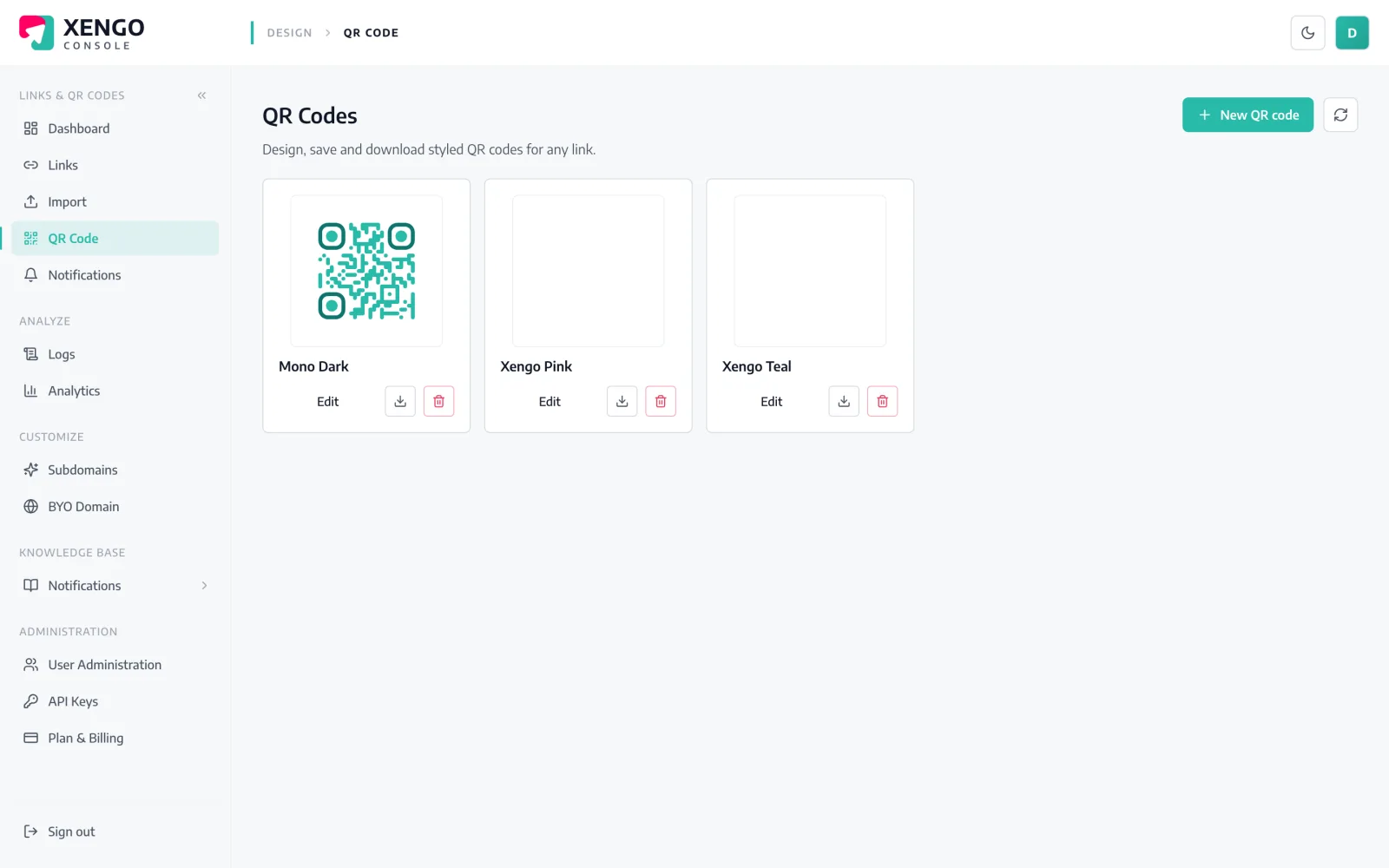
xengo's QR codes are dynamic — the printed code stays fixed while the destination stays editable. Stick one on a cabinet, a checkpoint or a tamper seal, route it to Opsgenie, and every scan raises an alert with the code's name and tags attached.

  • One code per asset or checkpoint, named so alerts read clearly
  • Tags travel into the alert description — site, asset, owner
  • Retire or repoint a code without reprinting anything
The channel, managed like infrastructure

The channel, managed like infrastructure

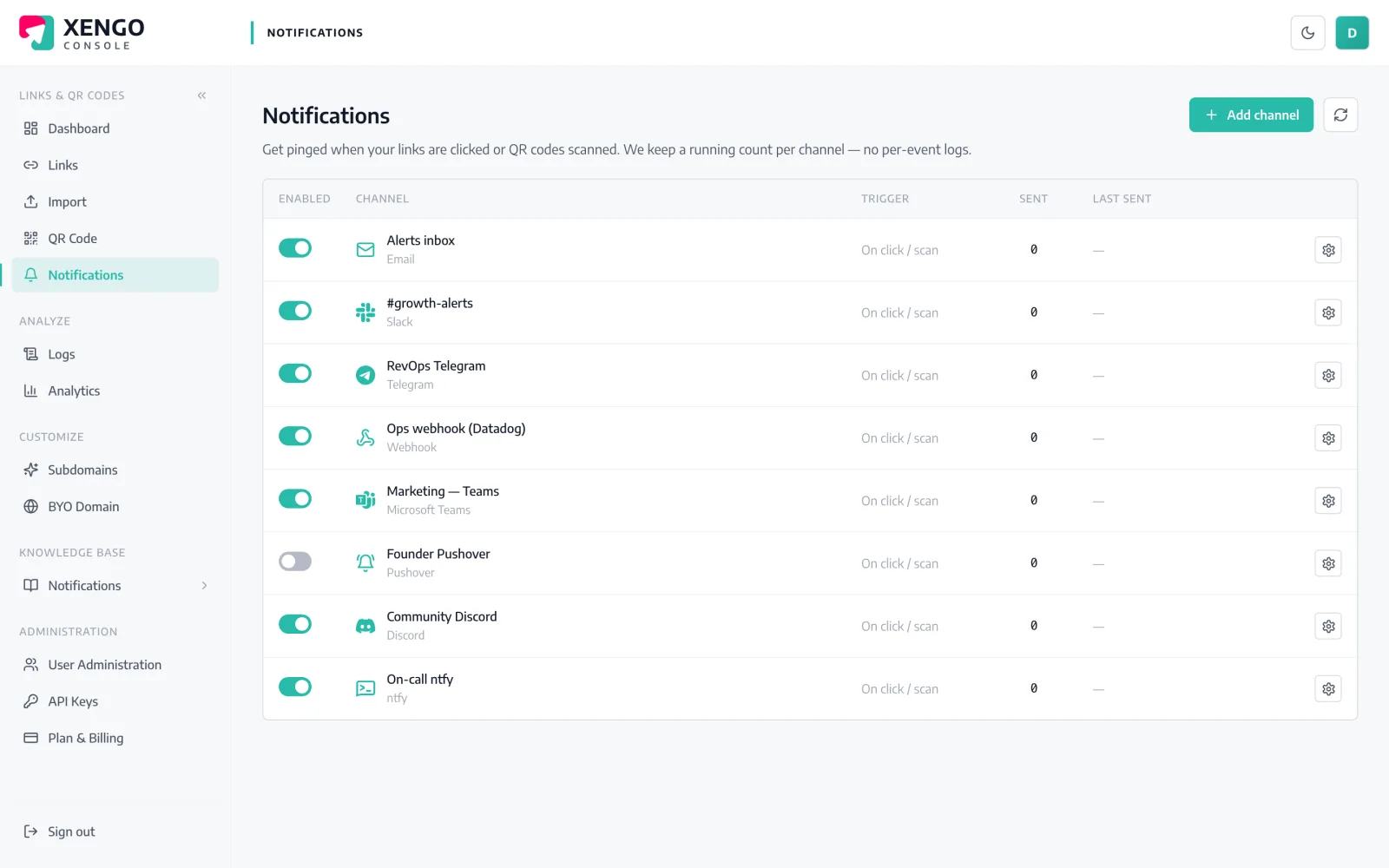
Opsgenie sits on the console's Notifications page with the rest of your channels: send count, last delivery and status at a glance. Pause it during planned works and resume without re-entering the key.

  • Pause and resume without losing configuration
  • Send counts and last-sent timestamps per channel
  • Send test fires a real alert, so go-live isn't a leap of faith

The details that make it dependable

The alerts API, directly

xengo POSTs to Opsgenie's v2 alerts endpoint with GenieKey authentication — the same call your own scripts would make, minus the scripts.

Message and description, split right

The alert message is a compact headline naming the short link (inside Opsgenie's 130-character message limit); the description carries the rest — title, source, destination, time, device, IP and tags.

Your rules stay in charge

xengo creates the alert; Opsgenie's team routing rules, escalations and notification policies decide who is contacted, how, and when it escalates.

Priority left to policy

xengo doesn't set a priority, so alerts arrive at Opsgenie's default. Use alert policies to promote the codes that should page and demote the ones that shouldn't.

Six attempts, all logged

If the API call fails, it retries on a backoff ladder — up to six attempts over roughly 43 minutes — and every attempt is a row in the delivery log with its response code.

Not the only listener

The same scan can also fire the signed generic webhook, post to chat or push to a phone — channels stack, they don't compete.

Frequently asked questions

How do I connect xengo to Opsgenie?

Create an API integration in Opsgenie (assigned to the right team), paste its API key into the xengo console, and hit Send test. There's no xengo entry in Opsgenie's integration catalogue to search for — none is needed; the alerts API and a key are the whole connection.

What does the alert actually contain?

The message line names the short link that fired. The description carries the context: the link's title, the short URL, whether it was a direct click or a QR scan, the destination, the time (UTC), and — where available — the device, referrer, IP and your custom tags.

Can xengo set the priority or assign responders?

No. The request creates the alert with message and description only — no priority, no responders, no Opsgenie tags. That's deliberate: priority and ownership belong in your Opsgenie alert policies and team routing rules, where they apply consistently across every source.

Does xengo deduplicate or close alerts?

No — it's create-only, and no alias is set, so each scan raises its own alert and nothing is auto-closed. If a burst of scans should collapse into one alert, Opsgenie's own dedup and policies are the right place to express that.

What if the Opsgenie API is down when a scan happens?

The attempt fails visibly and retries on a backoff ladder: 30 seconds, 2 minutes, 10 minutes, then 15-minute steps — six attempts in total, each one recorded in the delivery log. Email is the only channel we deliberately never retry; Opsgenie isn't it.

More incident & on-call

One platform. Everything a link should do.

Smart URLs, dynamic QR codes and a full API — branded on your own domain, safety-screened, and tracked. Build, re-point and measure it all in one place.

Start free trial
1,284 clicks
go.acme.com/spring
1 London 412
2 Manchester 168
3 Bristol 94

Smart URLs

Branded short links on a domain you control — editable, screened, and tracked.

Popular Smart URLs features

  • Your own custom domain, auto-HTTPS
  • Re-point live links without reprinting
  • Every destination safety-screened
  • Honest, bot-filtered analytics

Dynamic QR

Branded QR codes you can re-point any time — never reprint the poster again.

Popular Dynamic QR features

  • Editable destination behind every code
  • Your brand colours + logo
  • Real-time scan alerts
  • Per-code scan analytics
$ curl -X POST api.xengo.io/v1/links
{
  "domain": "go.acme.com",
  "url": "https://acme.com/…"
}
→ 201 go.acme.com/aB3xK

API

Create and manage links + QR at scale, straight from your own tools.

Popular API features

  • REST API with scoped keys
  • Bulk-create thousands of links
  • Programmatic QR generation
  • Webhooks + click / scan alerts

Raise your first alert today

14-day free trial, card required, cancel anytime. Paste one API key and the next scan lands in the team's alert list.