
Pick a topic. It hears every scan.

ntfy is push notifications reduced to their essence: a topic URL you can publish to with curl and subscribe to from any device. xengo publishes to it the same way — each click and QR scan arrives as a message on your topic within seconds, whether that topic lives on ntfy.sh or on a server you run. No account on their side, one pasted URL on ours.

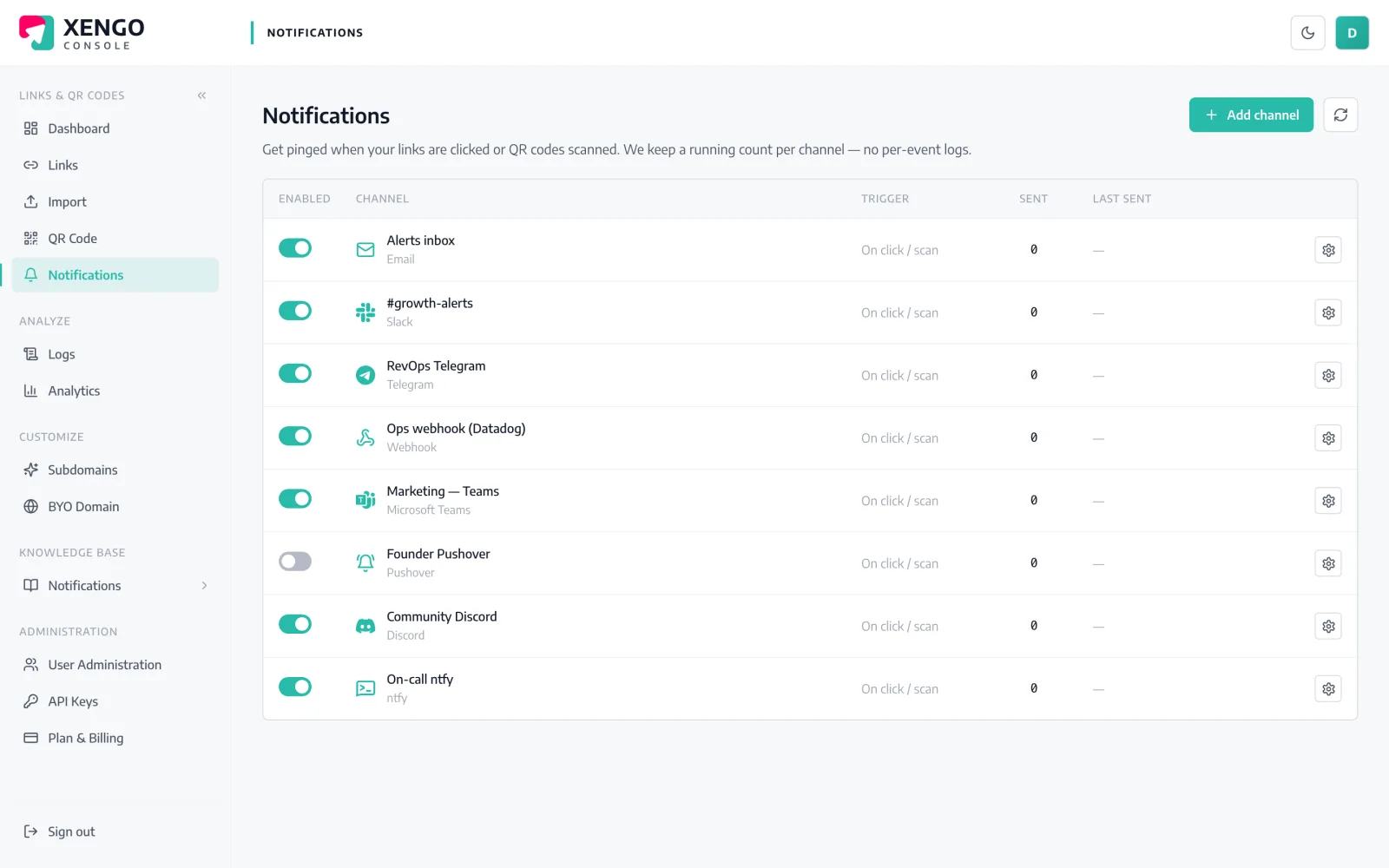
ntfy channel set-up in the xengo console
A URL is the whole config

If you can name a topic, you've integrated.

There's no token exchange and no app registration because ntfy doesn't want one — a topic URL is simultaneously the address and the credential. xengo posts your scan messages to it; anything subscribed to the topic gets them.

  1. 1

    Subscribe to a topic in ntfy

    In the ntfy app (or web app): Subscribe to topic, and invent a name nobody would guess — scans-x7k2m9 beats scans. Your topic URL is https://ntfy.sh/<topic>, or the same path on your own server.

  2. 2

    Add the channel in xengo

    Console → Notifications → Add channel → ntfy. Paste the full address into the Topic URL field, save — then hit Send test and watch the message pop on every subscribed device.

  3. 3

    Route links to topics

    One topic for the whole account, or one per concern — attach channels per link and QR code, so the conference-badge codes publish to one topic and the packaging codes to another.

A printed code with a live back-channel

A printed code with a live back-channel

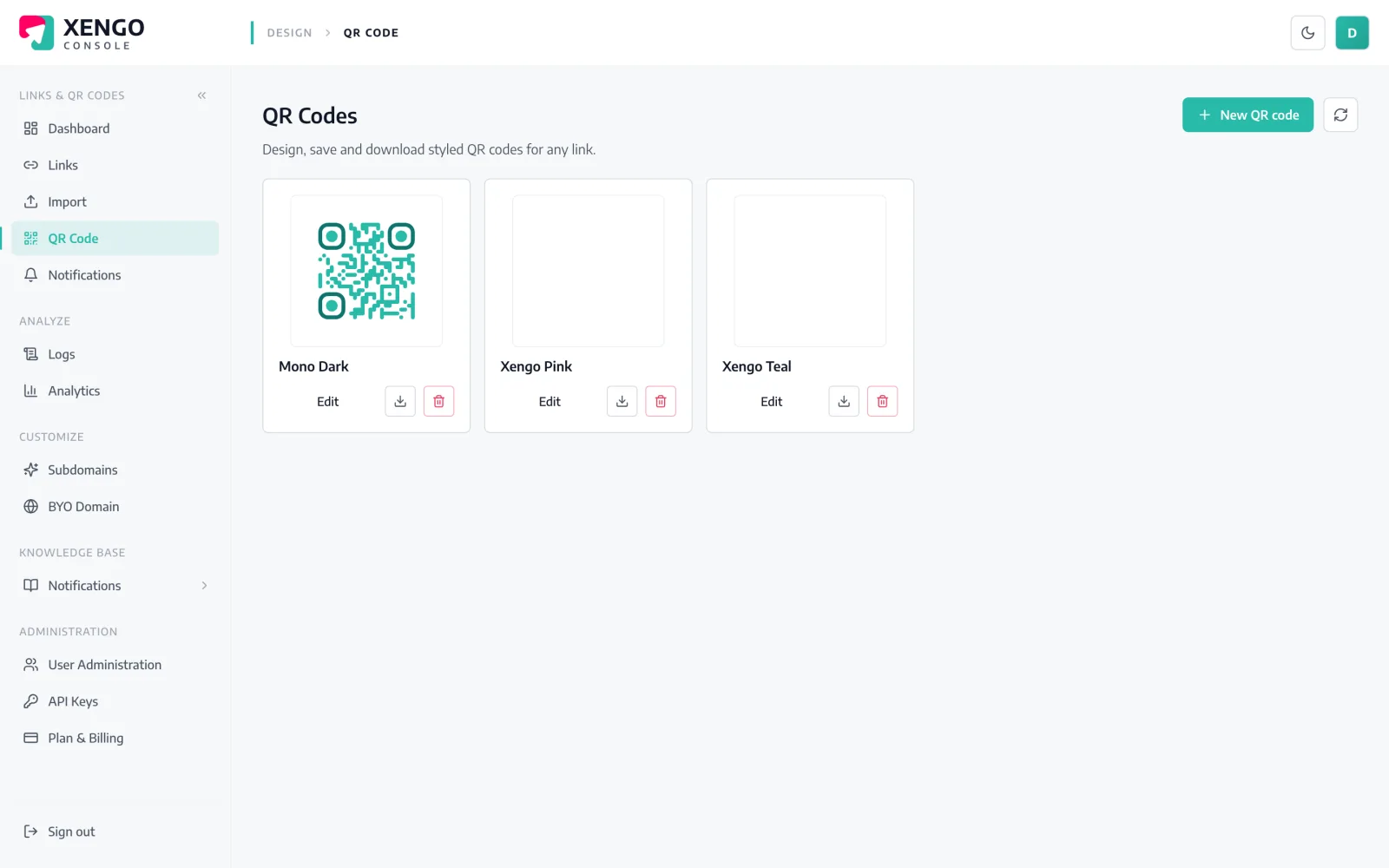
QR codes go where servers can't watch — posters, packaging, badges. Publish their scans to an ntfy topic and the physical world reports in: style the code in the console, print it once, subscribe from anywhere.

  • Dynamic QR — retarget the destination without reprinting
  • Scans and direct clicks are labelled apart in each message
  • The same code can feed analytics and webhooks too
Per-link topics, not one noisy firehose

Per-link topics, not one noisy firehose

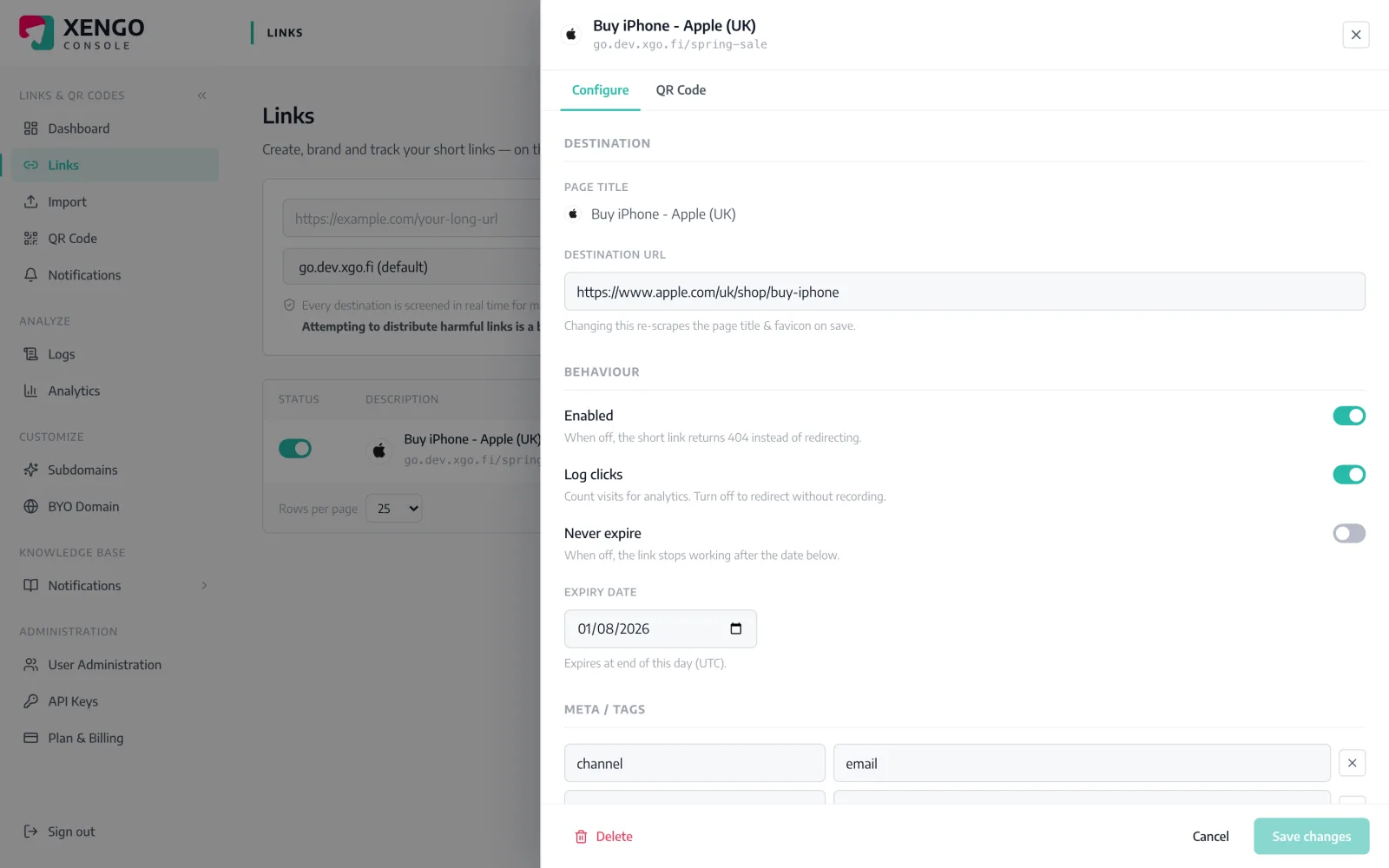
Notifications attach per link as well as account-wide. Open any link, tick the ntfy channels that should hear about it, and the next scan publishes there — one topic per project stays perfectly quiet about everything else.

  • Per-link and per-QR routing from the link drawer
  • Create one xengo channel per topic — as many as you need
  • Reroute any time; takes effect on the next scan

The details that make it dependable

ntfy-native publish

xengo POSTs the message as plain text with a Title header — exactly the publish call ntfy documents for curl — so it works with ntfy.sh and any self-hosted instance alike.

No account, no vendor lock

The channel needs nothing but a topic URL. Move the topic to your own ntfy server later and only the pasted URL changes.

Readable from the lock screen

Title names the short link; the body carries the link title, source (click vs QR scan), destination, UTC time, device and your tags.

Seconds from scan to phone

Redirect plane, event processing, publish — the message typically reaches subscribers within a couple of seconds of the scan.

Retries on a ladder

If the publish fails, xengo retries on a backoff ladder for up to six attempts, with every attempt recorded in the delivery log.

URL checked at the door

The topic URL is validated as http(s) when you save the channel, so a mangled paste fails at set-up instead of failing silently later.

Frequently asked questions

Do I really not need an ntfy account?

Really. On ntfy.sh, topics exist the moment someone publishes or subscribes to them — no sign-up on either side. You paste the topic URL into xengo, subscribe in the ntfy app, and that's the entire integration.

Can I use my own self-hosted ntfy server?

Yes — the Topic URL field accepts any http(s) address, so https://ntfy.example.com/scans works exactly like ntfy.sh. Your server does need to be reachable from the internet, since xengo publishes from the cloud.

Who else can read or publish to my topic?

On ntfy.sh, anyone who knows the topic name — the name is the credential, so make it unguessable. Note that xengo publishes without auth headers, so the topic must accept anonymous publishes; on a self-hosted server you can grant anonymous write to just that topic and lock down the rest.

What does each published message look like?

A title of 'xengo: <short-link> clicked' and a plain-text body with the link's title, the short URL, whether it was a direct click or a QR scan, the destination, the UTC time and — where available — device, referrer, IP and your custom tags.

What if the publish fails — and can I get JSON instead?

Failed publishes retry on a backoff ladder — up to six attempts over roughly 43 minutes — with each attempt visible in the delivery log. And ntfy gets the readable text by design; for the full structured event with signature headers, run the generic webhook channel alongside it.

More push to your pocket

One platform. Everything a link should do.

Smart URLs, dynamic QR codes and a full API — branded on your own domain, safety-screened, and tracked. Build, re-point and measure it all in one place.

Start free trial
1,284 clicks
go.acme.com/spring
1 London 412
2 Manchester 168
3 Bristol 94

Smart URLs

Branded short links on a domain you control — editable, screened, and tracked.

Popular Smart URLs features

  • Your own custom domain, auto-HTTPS
  • Re-point live links without reprinting
  • Every destination safety-screened
  • Honest, bot-filtered analytics

Dynamic QR

Branded QR codes you can re-point any time — never reprint the poster again.

Popular Dynamic QR features

  • Editable destination behind every code
  • Your brand colours + logo
  • Real-time scan alerts
  • Per-code scan analytics
$ curl -X POST api.xengo.io/v1/links
{
  "domain": "go.acme.com",
  "url": "https://acme.com/…"
}
→ 201 go.acme.com/aB3xK

API

Create and manage links + QR at scale, straight from your own tools.

Popular API features

  • REST API with scoped keys
  • Bulk-create thousands of links
  • Programmatic QR generation
  • Webhooks + click / scan alerts

Publish your next scan to a topic

14-day free trial, card required, cancel anytime. Invent a topic name, paste the URL, and the first message is seconds behind.