
A QR code on the door. An automation behind it.

Print a code, stick it where the real world happens — the front door, the guest wifi card, the workshop bench — and every scan reaches your Home Assistant instance seconds later as a webhook trigger. Flip a scene, announce an arrival, log who scanned what and when.

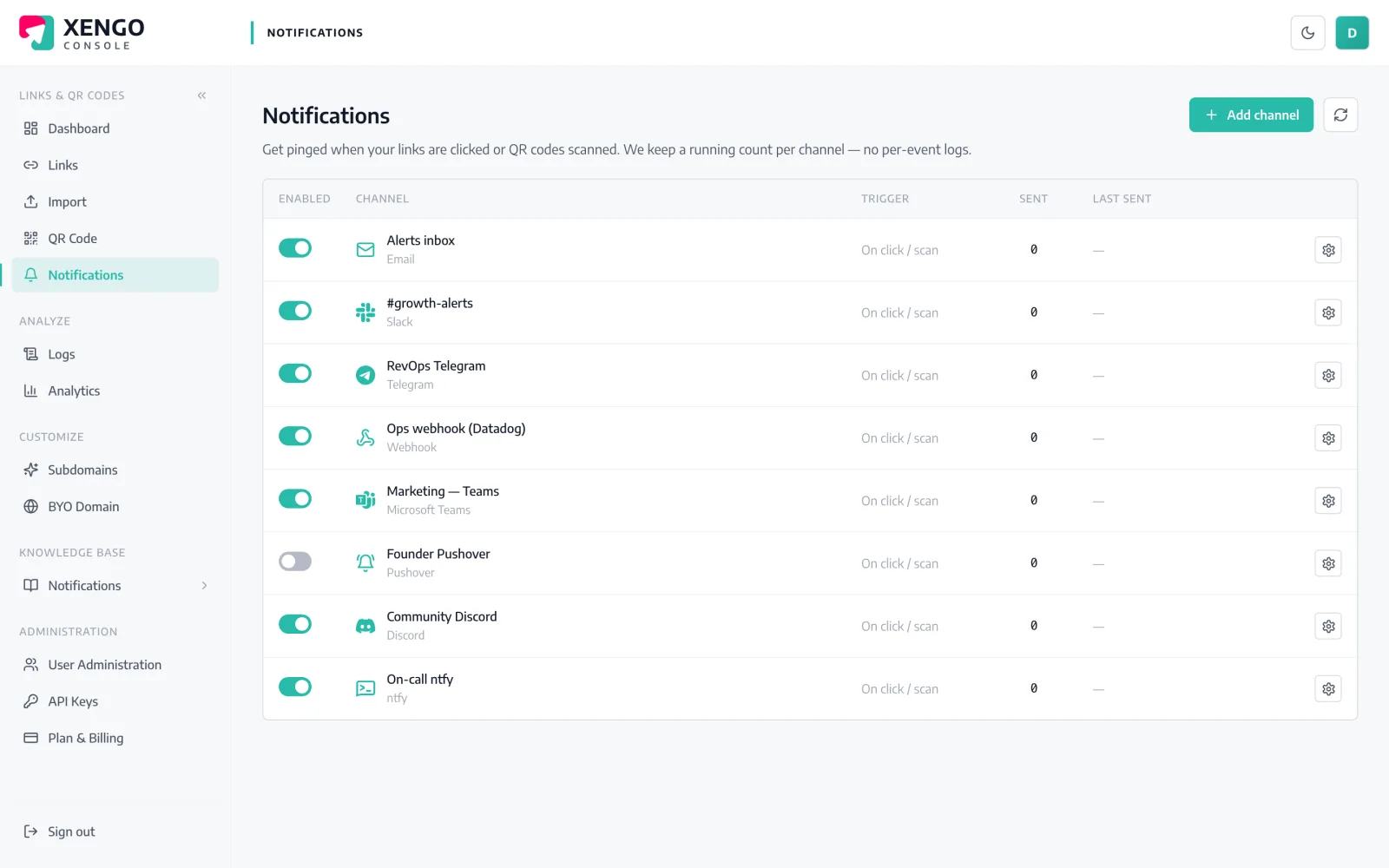
Home Assistant channel set-up in the xengo console
Stock webhook trigger, no custom component

Home Assistant already speaks this protocol.

Nothing to install from HACS, no integration to configure: an automation with a webhook trigger gives you a /api/webhook/ URL, and we POST the full scan event to it. The event's fields are right there in the trigger data for your conditions and actions.

  1. 1

    Create a webhook-triggered automation

    In Home Assistant: Settings → Automations & scenes → new automation → Webhook trigger. Set a long, random webhook ID, allow POST, and turn off 'Only accessible from the local network'. Your URL is https://your-instance/api/webhook/[id].

  2. 2

    Paste it into xengo

    Console → Notifications → Add channel → Home Assistant. Drop the URL into the Webhook URL field, save, then hit Send test — the automation fires and the event shows up in its traces.

  3. 3

    Bind codes to automations

    Attach the channel to specific links and QR codes — the front-door code triggers the arrival scene, the workshop code triggers something else entirely.

The printed code outlives every redecoration

The printed code outlives every redecoration

Dynamic QR means the sticker on the door never changes even when its destination does. Point it at the guest-wifi page today and the house manual next month — the scan keeps triggering your automation throughout.

  • Change the destination without reprinting
  • One scan both redirects the guest and fires the webhook
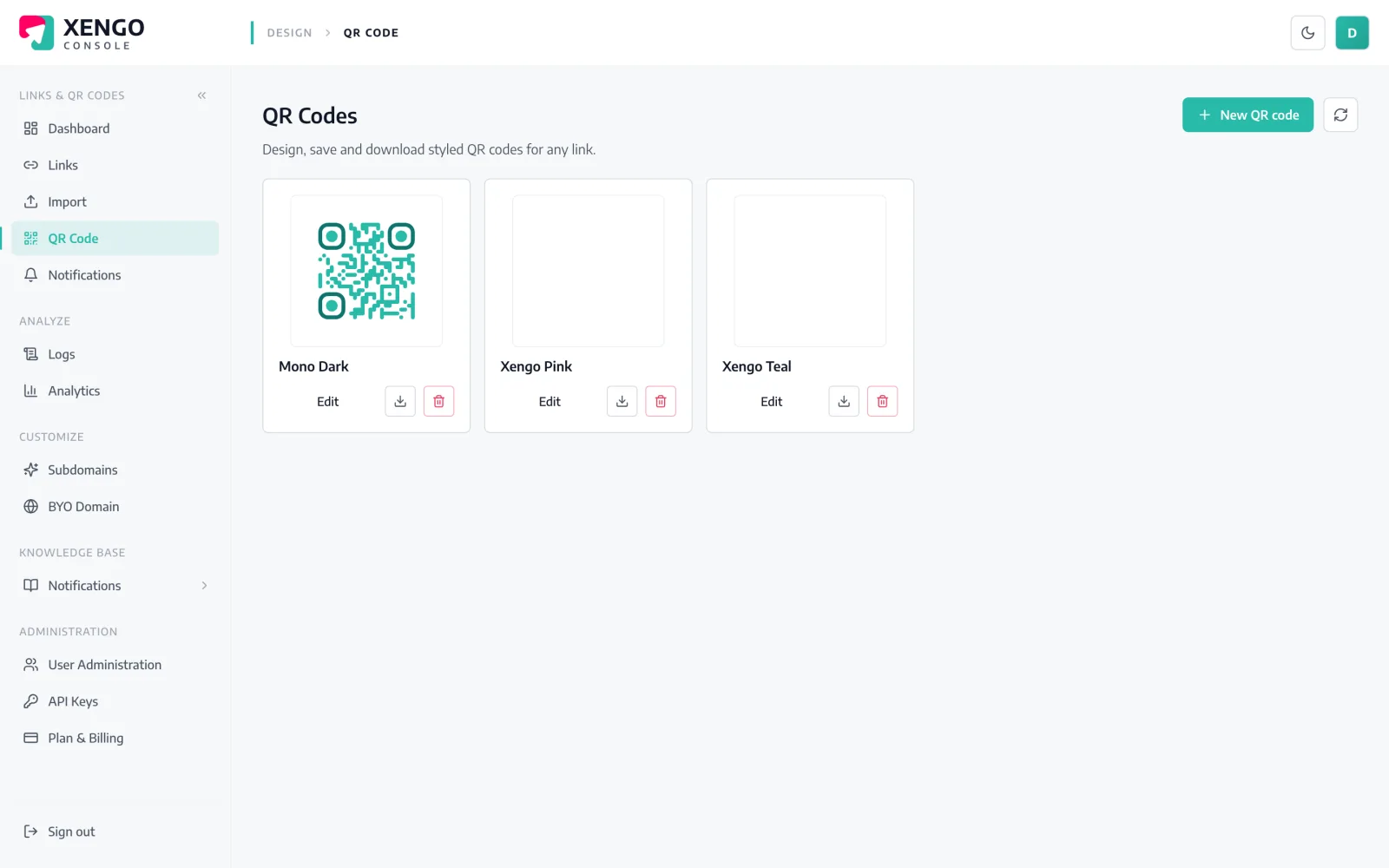
  • Download styles and formats fit for label printers
Your house is a channel now

Your house is a channel now

The Home Assistant channel sits on the console's Notifications page like any other — named per automation, testable with one click while you watch the trace, pausable when you're mid-rebuild.

  • Send test fires the automation on demand
  • Multiple channels for multiple automations
  • Pause and resume without losing the webhook URL
The event

What Home Assistant receives — the whole story, as JSON

Not a bare ping: the full scan event — code, source, destination, tags, timestamp, device — arrives at your Webhook URL within seconds of the scan.

Every delivery carries Svix-compatible signature headers (webhook-id, webhook-timestamp, webhook-signature) signed with your channel's whsec_ secret, and failures retry on a backoff ladder for up to six attempts — with every attempt visible in the console's delivery log. Verification docs →

{
  "event": "click",
  "source": "qr",
  "code": "spring-launch",
  "shortUrl": "go.yourbrand.com/spring-launch",
  "title": "Spring launch pack",
  "destination": "https://yourbrand.com/spring",
  "tags": { "campaign": "spring-24", "sku": "SB-114" },
  "createdAt": "2026-05-02T09:14:11Z",
  "ts": 1752319441000,
  "at": "2026-07-12T10:44:01+00:00",
  "ip": "203.0.113.7",
  "ua": "Mozilla/5.0 (iPhone; …)",
  "referer": null,
  "customerId": "cus_9f2k…"
}

The details that make it dependable

Trigger data, not a bare ping

The full event rides in the POST body — in your automation it's trigger.json, so conditions and templates can branch on code, source, tags or time of day.

http:// accepted

Home Assistant URLs aren't forced to HTTPS at validation — though the endpoint still has to be reachable from the internet for the POST to arrive.

Signed on the wire

Deliveries carry Svix-compatible signature headers keyed to your channel's whsec_ secret — belt and braces on top of the unguessable webhook ID.

Retries cover the reboot

Instance mid-update when someone scans? We retry at 30s, 2m, 10m, 15m and 15m — six attempts across roughly 43 minutes.

Seconds door-to-trigger

The scan hits our redirect plane, the guest lands on the destination, and your automation fires — typically all inside a couple of seconds.

A log outside the house

Every delivery attempt is recorded in the console with its response code, so you can tell a missed automation from a missed delivery.

Frequently asked questions

Do I need a custom component or anything from HACS?

No. Home Assistant's built-in webhook trigger is the whole receiving end — create an automation with a webhook ID and paste its /api/webhook/ URL into the console. Nothing to install, nothing to keep updated.

Can xengo reach a Home Assistant on my home network?

Only if the webhook URL is reachable from the internet — deliveries come from our cloud. Home Assistant Cloud (Nabu Casa) remote access works, as does your own reverse proxy or tunnel. A URL that only resolves on your LAN can't receive the POST, and remember to untick 'Only accessible from the local network' on the trigger.

What can my automation actually do with the scan?

Anything Home Assistant can do. The event arrives as trigger.json — which code, click or QR scan, destination, tags, timestamp, device — so one automation can run a scene for the door code, announce on a speaker for the guest code, and log everything to a helper or notify service.

Is the webhook secure enough for something like a door action?

Treat the webhook URL as a secret — the long random ID is the primary defence, and deliveries also carry signed Svix-style headers you can inspect. That said, Home Assistant's webhook trigger doesn't verify signatures natively, so keep genuinely sensitive actions behind additional conditions in the automation itself.

What if my instance is offline when someone scans?

The redirect still works instantly for the person scanning — delivery to your instance is a separate, retried step. We attempt six deliveries over roughly 43 minutes and log each with its response code; if the instance stays down longer than that, the event shows in analytics but the automation won't have fired.

More automation platforms

One platform. Everything a link should do.

Smart URLs, dynamic QR codes and a full API — branded on your own domain, safety-screened, and tracked. Build, re-point and measure it all in one place.

Start free trial
1,284 clicks
go.acme.com/spring
1 London 412
2 Manchester 168
3 Bristol 94

Smart URLs

Branded short links on a domain you control — editable, screened, and tracked.

Popular Smart URLs features

  • Your own custom domain, auto-HTTPS
  • Re-point live links without reprinting
  • Every destination safety-screened
  • Honest, bot-filtered analytics

Dynamic QR

Branded QR codes you can re-point any time — never reprint the poster again.

Popular Dynamic QR features

  • Editable destination behind every code
  • Your brand colours + logo
  • Real-time scan alerts
  • Per-code scan analytics
$ curl -X POST api.xengo.io/v1/links
{
  "domain": "go.acme.com",
  "url": "https://acme.com/…"
}
→ 201 go.acme.com/aB3xK

API

Create and manage links + QR at scale, straight from your own tools.

Popular API features

  • REST API with scoped keys
  • Bulk-create thousands of links
  • Programmatic QR generation
  • Webhooks + click / scan alerts

Make a sticker part of your smart home

14-day free trial, card required, cancel anytime. One webhook URL, one printed code, and the house reacts.