
If this gets scanned, then that.

IFTTT's Webhooks service turns a web request into an applet trigger — and every click or scan of your links is a web request waiting to happen. Scan the QR on the shop door and log it to a spreadsheet, blink a light, ping your phone: whatever your applet's that is.

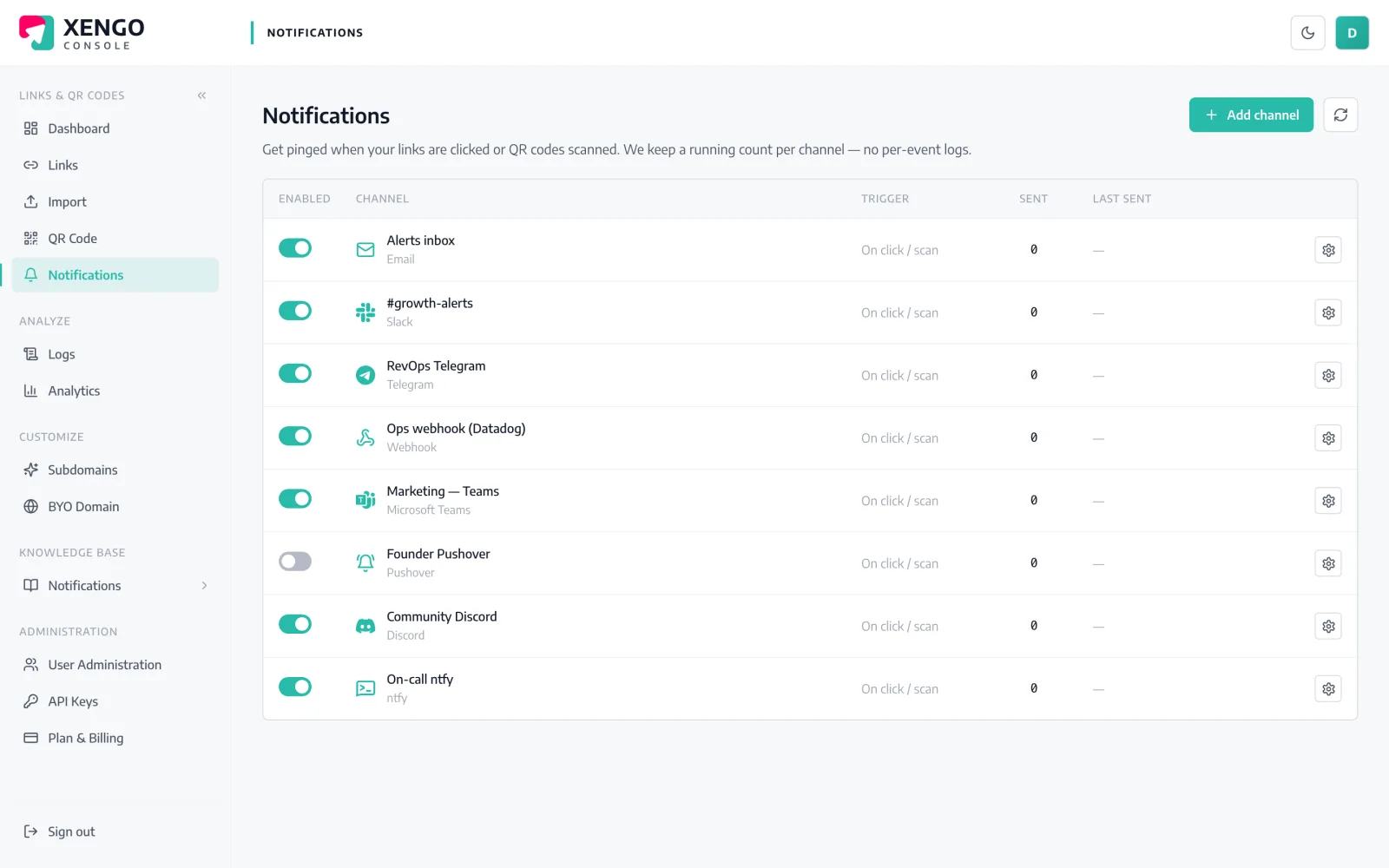
IFTTT channel set-up in the xengo console
One URL, one applet

The Webhooks service does the catching.

IFTTT calls it 'Receive a web request'; we call it a scan. Name an event, copy the trigger URL with your key in it, paste it into the console — from then on, every scan you route to the channel fires the applet with three ingredients attached.

  1. 1

    Build the applet in IFTTT

    In IFTTT: Create → If This → search for Webhooks → Receive a web request, and give the event a name. Your trigger URL — maker.ifttt.com/trigger/[event]/with/key/[your key] — is on the Webhooks service's documentation page.

  2. 2

    Paste the trigger URL into xengo

    Console → Notifications → Add channel → IFTTT. Put the full maker.ifttt.com URL into the Webhook URL field, save, then hit Send test and watch the applet's Then That side run.

  3. 3

    Attach it where it belongs

    Attach the channel to particular links and QR codes — the door QR triggers the arrivals applet, and nothing else does.

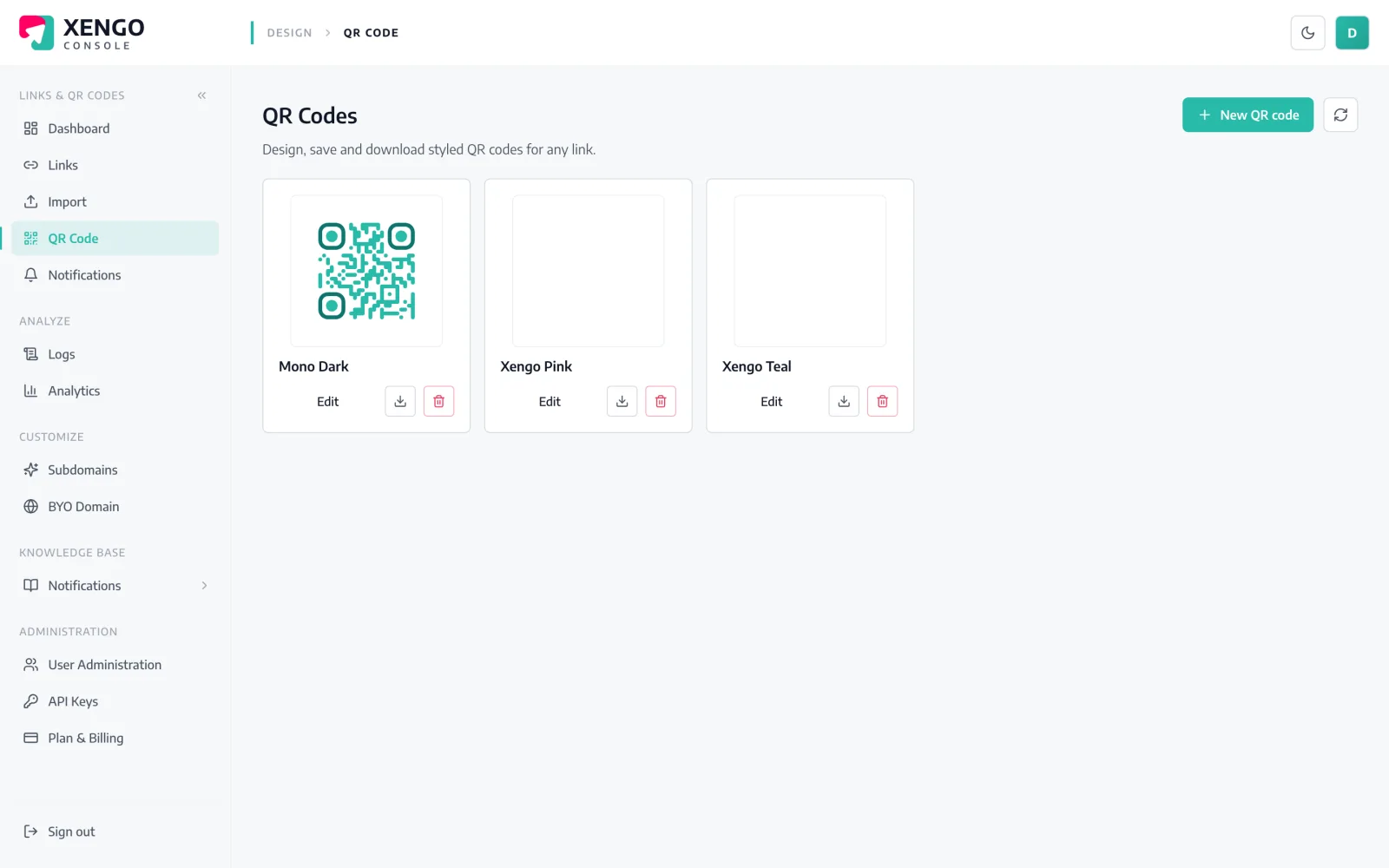
Dynamic QR codes make the 'this' editable

Dynamic QR codes make the 'this' editable

The QR you print is permanent; where it points isn't. Change the destination any time in the console and the printed code keeps working — while the same scan keeps firing your applet.

  • Reprint nothing when the destination changes
  • One code can trigger the applet and redirect visitors
  • Styling and formats handled at download time
Applets managed like any other channel

Applets managed like any other channel

Your IFTTT channel lives on the Notifications page beside Slack, Zapier and the rest — named per applet, testable with one click, pausable without losing the URL.

  • One channel per applet event name
  • Send test fires the applet on demand
  • Send counts and last-delivery status at a glance

The details that make it dependable

Three ingredients, ready-mapped

Each trigger carries value1 (the link's title), value2 (the short URL) and value3 (the destination) — the fields IFTTT lets an applet use directly.

Seconds after the scan

The request fires as the redirect completes; the applet runs as soon as IFTTT processes it. No polling, no digest.

HTTPS, validated at save

The maker.ifttt.com URL is checked when you create the channel, so a mistyped key fails at set-up rather than silently in production.

Retried, not abandoned

If IFTTT's endpoint errors, the delivery retries on a backoff ladder — up to six attempts over roughly 43 minutes, each logged.

A log you can check

Every attempt is recorded in the console's delivery log with its response code — 'did the applet get pinged?' has an answer.

Not your only listener

The same scan can fire the applet, post to a chat channel and hit a signed webhook at once — channels stack freely.

Frequently asked questions

Is there a xengo service inside IFTTT?

No — xengo isn't a published IFTTT service. You use IFTTT's own Webhooks service ('Receive a web request') and paste its trigger URL into the console. The applet fires exactly as if a native service triggered it; the difference is only where the URL comes from.

What data does my applet actually get?

Three ingredients, matching what IFTTT's Webhooks trigger accepts: value1 is the link title, value2 the short URL, value3 the destination. That's enough for most applets — notifications, spreadsheet rows, smart-home actions keyed on which code fired.

Can I get the full JSON event instead of three values?

Not through IFTTT — its Maker webhooks are built around the three-ingredient shape, so this channel deliberately sends only that. If you need the complete structured event (tags, device, timestamps) with signature headers, use the Zapier, Make, n8n or generic webhook channels; the same scan can feed those too.

Is the IFTTT delivery signed?

No. IFTTT's trigger URLs embed your personal key and ignore extra headers, so signing them would be theatre — the key in the URL is the authentication. Keep the URL private, and use a signed channel alongside if you need cryptographic proof of origin.

Can different QR codes fire different applets?

Yes. Give each applet its own event name in the Webhooks service, create one xengo channel per trigger URL, and attach channels per link or QR code. The garden-gate code and the campaign flyer never cross wires.

More automation platforms

One platform. Everything a link should do.

Smart URLs, dynamic QR codes and a full API — branded on your own domain, safety-screened, and tracked. Build, re-point and measure it all in one place.

Start free trial
1,284 clicks
go.acme.com/spring
1 London 412
2 Manchester 168
3 Bristol 94

Smart URLs

Branded short links on a domain you control — editable, screened, and tracked.

Popular Smart URLs features

  • Your own custom domain, auto-HTTPS
  • Re-point live links without reprinting
  • Every destination safety-screened
  • Honest, bot-filtered analytics

Dynamic QR

Branded QR codes you can re-point any time — never reprint the poster again.

Popular Dynamic QR features

  • Editable destination behind every code
  • Your brand colours + logo
  • Real-time scan alerts
  • Per-code scan analytics
$ curl -X POST api.xengo.io/v1/links
{
  "domain": "go.acme.com",
  "url": "https://acme.com/…"
}
→ 201 go.acme.com/aB3xK

API

Create and manage links + QR at scale, straight from your own tools.

Popular API features

  • REST API with scoped keys
  • Bulk-create thousands of links
  • Programmatic QR generation
  • Webhooks + click / scan alerts

Give your applets a trigger in the physical world

14-day free trial, card required, cancel anytime. One trigger URL and the first scan fires it.