
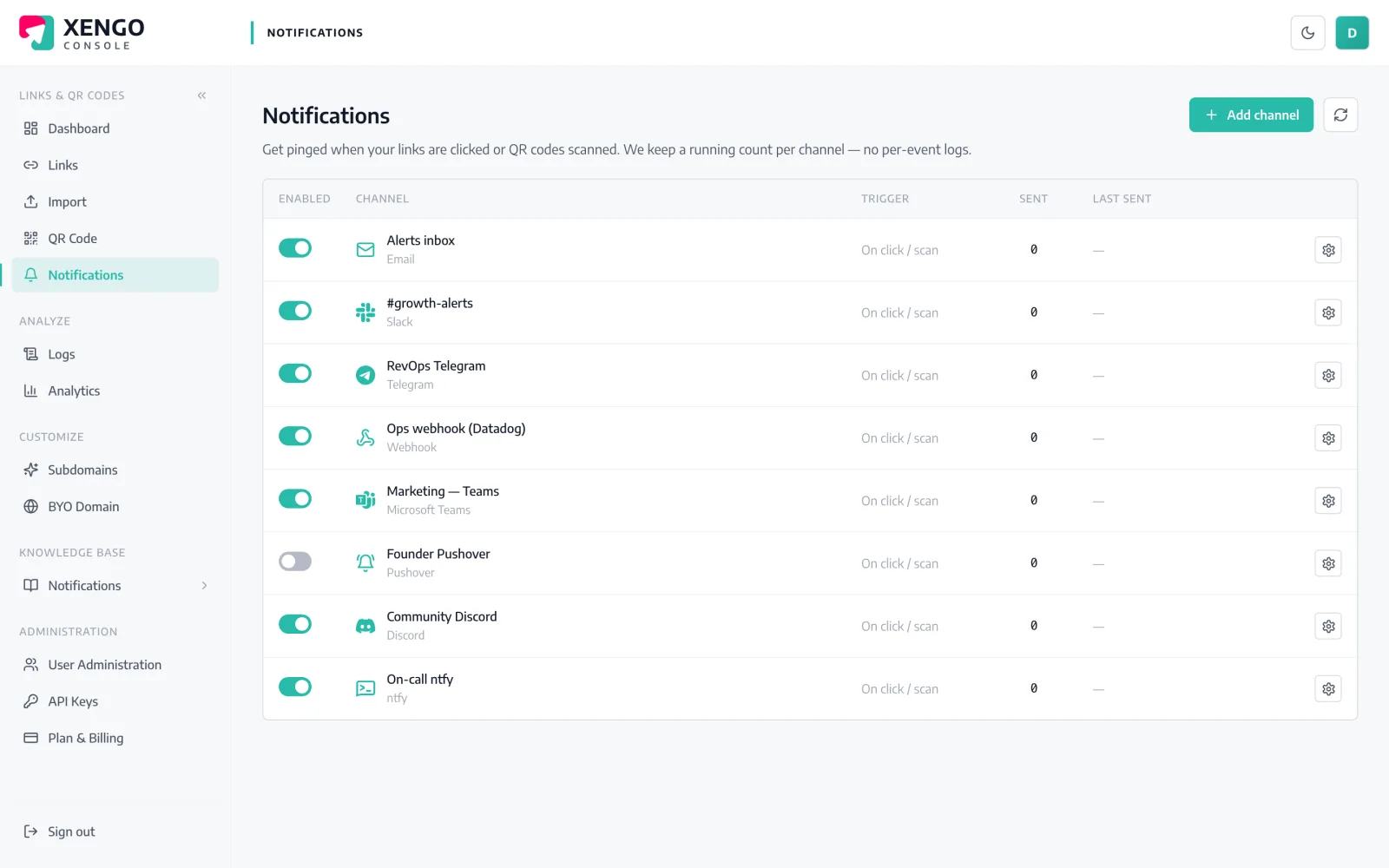
A scan out in the world. A flow inside your tenant.

Field kit gets scanned, a delivery label gets checked, a poster link gets clicked — and a Power Automate flow picks it up seconds later. From there it's your Microsoft stack: post to a Teams channel, append an Excel row, create a Dynamics activity, file it in a SharePoint list.

Power Automate channel set-up in the xengo console
The Request trigger, put to work

One HTTP POST URL connects the two worlds.

Power Automate's 'When an HTTP request is received' trigger generates a URL when you save the flow. That URL is the whole integration: we POST the scan event to it, your flow parses it with a schema you generate from our sample, and the rest is ordinary flow-building.

  1. 1

    Create a flow with the Request trigger

    In Power Automate: create an instant cloud flow starting from 'When an HTTP request is received'. Save the flow once — that's what generates the logic.azure.com HTTP POST URL. Copy it.

  2. 2

    Add the channel in xengo

    Console → Notifications → Add channel → Power Automate. Paste the URL into the HTTP POST URL field, save, then hit Send test — use that sample body with 'Use sample payload to generate schema' so every field becomes typed dynamic content.

  3. 3

    Route the right scans in

    Attach the channel to the links and QR codes that should start it — warehouse labels to the inventory flow, event badges to the follow-up flow.

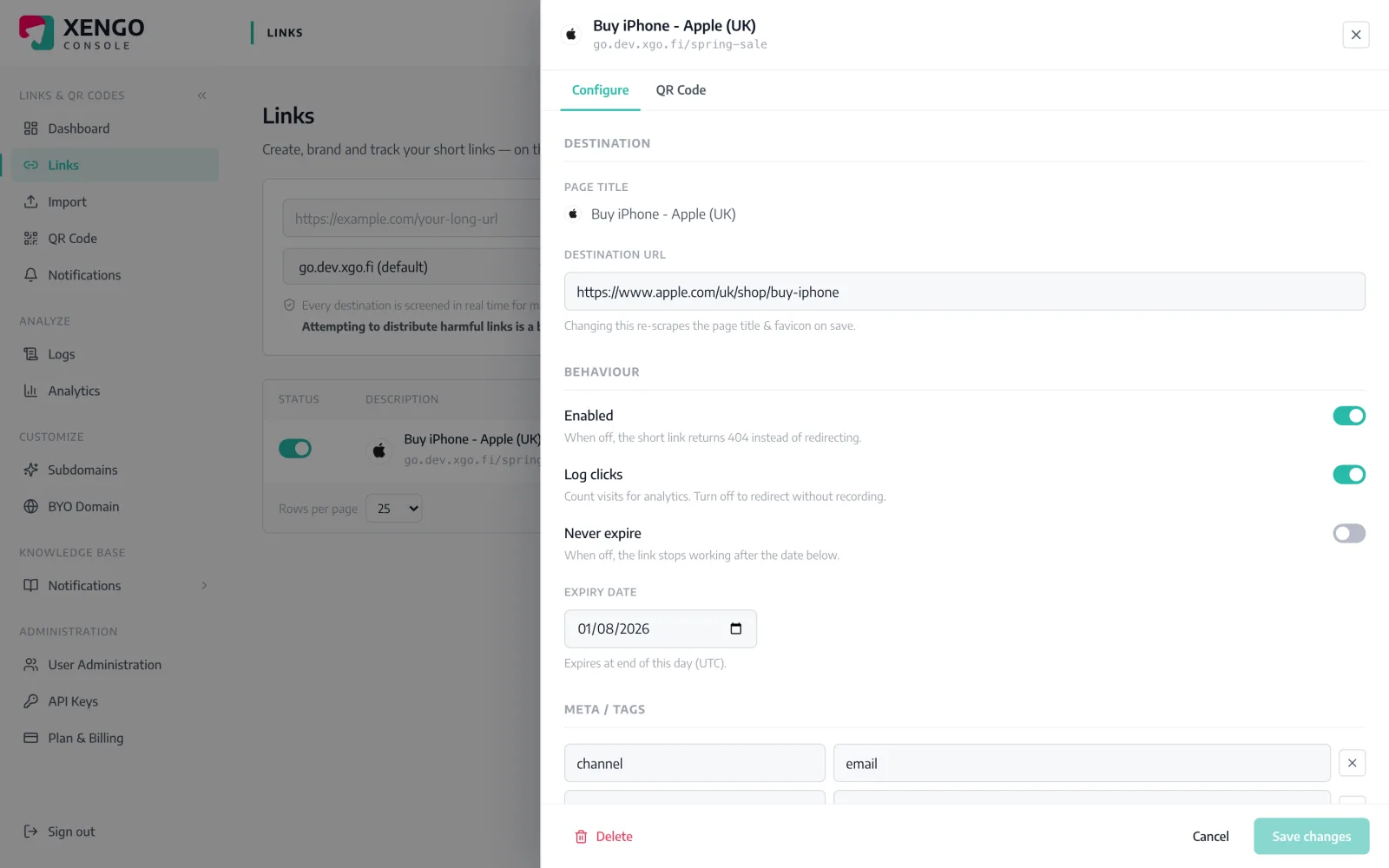
Each link picks its own flow

Each link picks its own flow

Channels attach per link. Open a link in the console, tick the Power Automate channels that should hear about it, and the next scan starts that flow — and no other.

  • One channel per flow — create as many as you need
  • Mix freely: a flow for ops, Teams chat for visibility
  • Rerouting applies from the next scan
Run history on their side, delivery log on ours

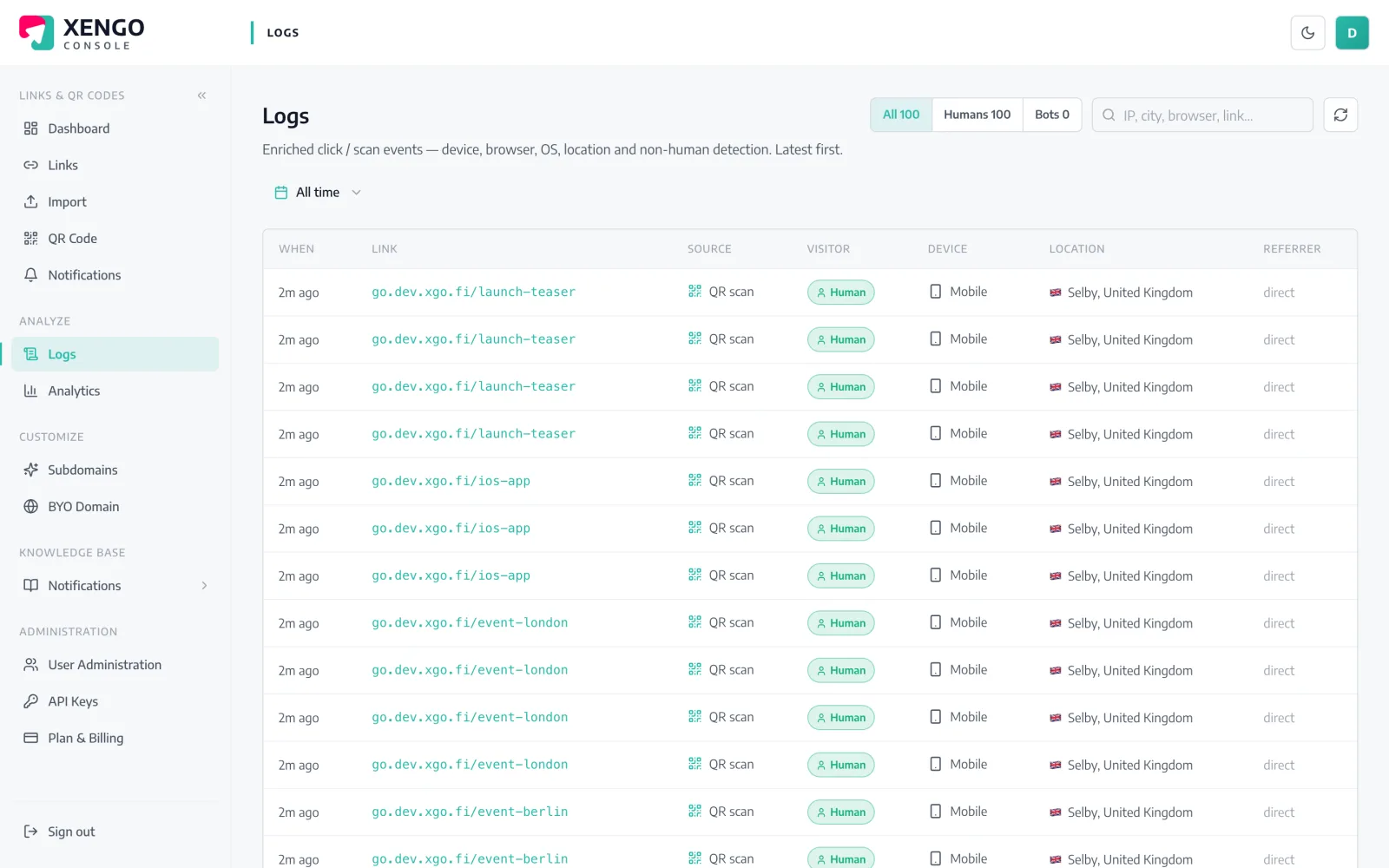
Run history on their side, delivery log on ours

Power Automate shows each flow run; the console's delivery log shows each POST we made — attempt by attempt, response code by response code. Reconciling the two takes minutes, not a support ticket.

  • Retries logged as separate, timestamped attempts
  • Response codes straight from the Request trigger
  • Stable webhook-id links retries to a single scan
The event

What Power Automate receives — the whole story, as JSON

Not a bare ping: the full scan event — code, source, destination, tags, timestamp, device — arrives at your HTTP POST URL within seconds of the scan.

Every delivery carries Svix-compatible signature headers (webhook-id, webhook-timestamp, webhook-signature) signed with your channel's whsec_ secret, and failures retry on a backoff ladder for up to six attempts — with every attempt visible in the console's delivery log. Verification docs →

{
  "event": "click",
  "source": "qr",
  "code": "spring-launch",
  "shortUrl": "go.yourbrand.com/spring-launch",
  "title": "Spring launch pack",
  "destination": "https://yourbrand.com/spring",
  "tags": { "campaign": "spring-24", "sku": "SB-114" },
  "createdAt": "2026-05-02T09:14:11Z",
  "ts": 1752319441000,
  "at": "2026-07-12T10:44:01+00:00",
  "ip": "203.0.113.7",
  "ua": "Mozilla/5.0 (iPhone; …)",
  "referer": null,
  "customerId": "cus_9f2k…"
}

The details that make it dependable

Typed dynamic content

Generate the trigger's JSON schema from our Send test sample and code, source, destination, tags and timestamp all appear as pickable dynamic content in every action.

Seconds, not sync cycles

The POST fires as the redirect completes. The flow starts within seconds of the scan — no recurrence schedule doing the waiting.

Signature headers included

Deliveries carry Svix-compatible webhook-id, webhook-timestamp and webhook-signature headers keyed to your whsec_ secret, available in the trigger outputs if you choose to verify.

Retries built in

If the flow endpoint errors or times out, we retry at 30s, 2m, 10m, then 15m twice — six attempts, all visible in the delivery log.

Tags for conditions

Custom link tags arrive as a structured object — a Condition or Switch on tags.campaign routes the flow without string surgery.

Stacks with Teams alerts

Want the flow and a human-readable ping? Add the Microsoft Teams channel alongside — the same scan feeds both independently.

Frequently asked questions

Is there a xengo connector in Power Automate?

No certified connector — you paste the URL from the built-in 'When an HTTP request is received' trigger, which ingests our POST natively. The flow starts just as fast as it would from a connector; the set-up is a paste instead of a search.

Does the Request trigger need a premium licence?

Microsoft classes 'When an HTTP request is received' as a premium trigger, so check what your Power Automate licensing includes. On the xengo side nothing extra is required — every plan can add Power Automate channels.

How do I get the event fields as dynamic content?

Hit Send test in the console, copy the JSON body from the flow's run history (or the delivery log), and paste it into the trigger's 'Use sample payload to generate schema'. After that, every field — code, source, shortUrl, destination, tags — is ordinary dynamic content.

Can I verify the request came from xengo?

The delivery carries Svix-scheme signature headers signed with your channel's whsec_ secret, and they're readable from the trigger outputs. Many teams simply treat the long generated URL as the secret; the headers are there when policy demands more.

What happens if my flow is turned off when a scan happens?

The POST fails and we retry on a backoff ladder — six attempts spanning roughly 43 minutes, each recorded with its response code in the console's delivery log. Delivery is at-least-once, so de-duplicate on the webhook-id header if a run must never repeat.

More automation platforms

One platform. Everything a link should do.

Smart URLs, dynamic QR codes and a full API — branded on your own domain, safety-screened, and tracked. Build, re-point and measure it all in one place.

Start free trial
1,284 clicks
go.acme.com/spring
1 London 412
2 Manchester 168
3 Bristol 94

Smart URLs

Branded short links on a domain you control — editable, screened, and tracked.

Popular Smart URLs features

  • Your own custom domain, auto-HTTPS
  • Re-point live links without reprinting
  • Every destination safety-screened
  • Honest, bot-filtered analytics

Dynamic QR

Branded QR codes you can re-point any time — never reprint the poster again.

Popular Dynamic QR features

  • Editable destination behind every code
  • Your brand colours + logo
  • Real-time scan alerts
  • Per-code scan analytics
$ curl -X POST api.xengo.io/v1/links
{
  "domain": "go.acme.com",
  "url": "https://acme.com/…"
}
→ 201 go.acme.com/aB3xK

API

Create and manage links + QR at scale, straight from your own tools.

Popular API features

  • REST API with scoped keys
  • Bulk-create thousands of links
  • Programmatic QR generation
  • Webhooks + click / scan alerts

Put a scan at the start of your next flow

14-day free trial, card required, cancel anytime. Paste one HTTP POST URL and run the flow on real scans.