
The whole scan event, one step from your code.

Pipedream gives every workflow an HTTP endpoint; we give every scan a structured event. Put them together and a QR scan becomes steps.trigger.event — inspected in the event list, handled in a Node or Python step, forwarded to anything Pipedream connects to.

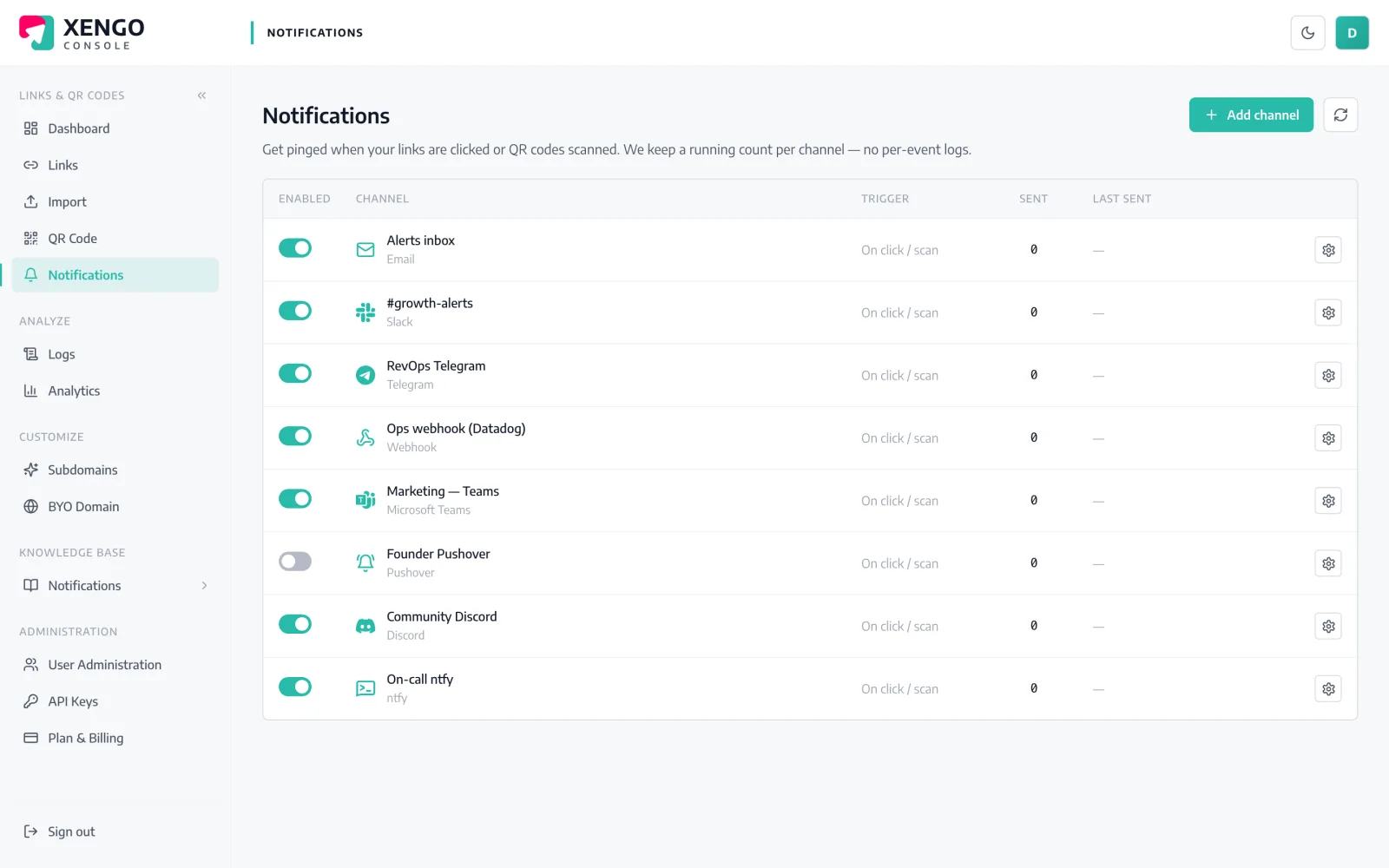
Pipedream channel set-up in the xengo console
Built for people who read payloads

An endpoint, a POST, and you're debugging real data.

No SDK, no OAuth app, no schema negotiation. Pipedream's HTTP / Webhook trigger accepts our POST as-is, shows you every request in the inspector, and hands the parsed body to your first code step. It's the integration developers assume should exist — and here it just does.

  1. 1

    Create an HTTP-triggered workflow

    In Pipedream: New workflow → choose the HTTP / Webhook trigger (New Requests). Pipedream assigns the workflow a unique endpoint URL ending in m.pipedream.net — copy it.

  2. 2

    Add the channel in xengo

    Console → Notifications → Add channel → Pipedream. Paste the endpoint into the Webhook URL field, save, then hit Send test — the request appears in the workflow inspector, body parsed and browsable.

  3. 3

    Choose its event diet

    Attach the channel to specific links and QR codes so the workflow only wakes for the codes it was written to handle — nothing else reaches it.

The same event, kept for the humans too

The same event, kept for the humans too

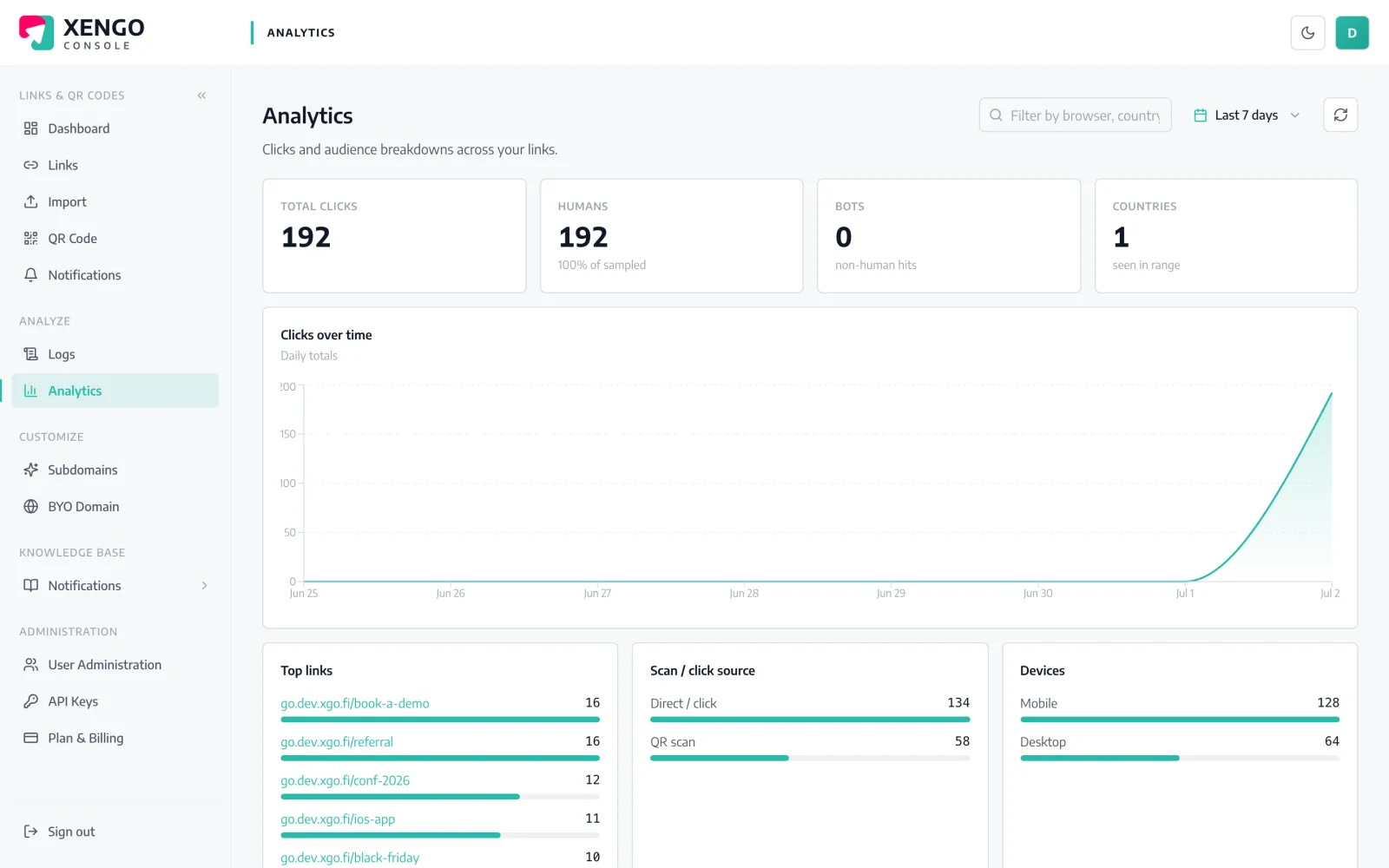
Everything your workflow receives is also recorded in the console's analytics — so the code path and the reporting path never disagree about what happened, when, or on which device.

  • Source split: direct clicks vs QR scans
  • Device, referrer and geography per event
  • Tags carried identically in payload and reports
Two inspectors are better than one

Two inspectors are better than one

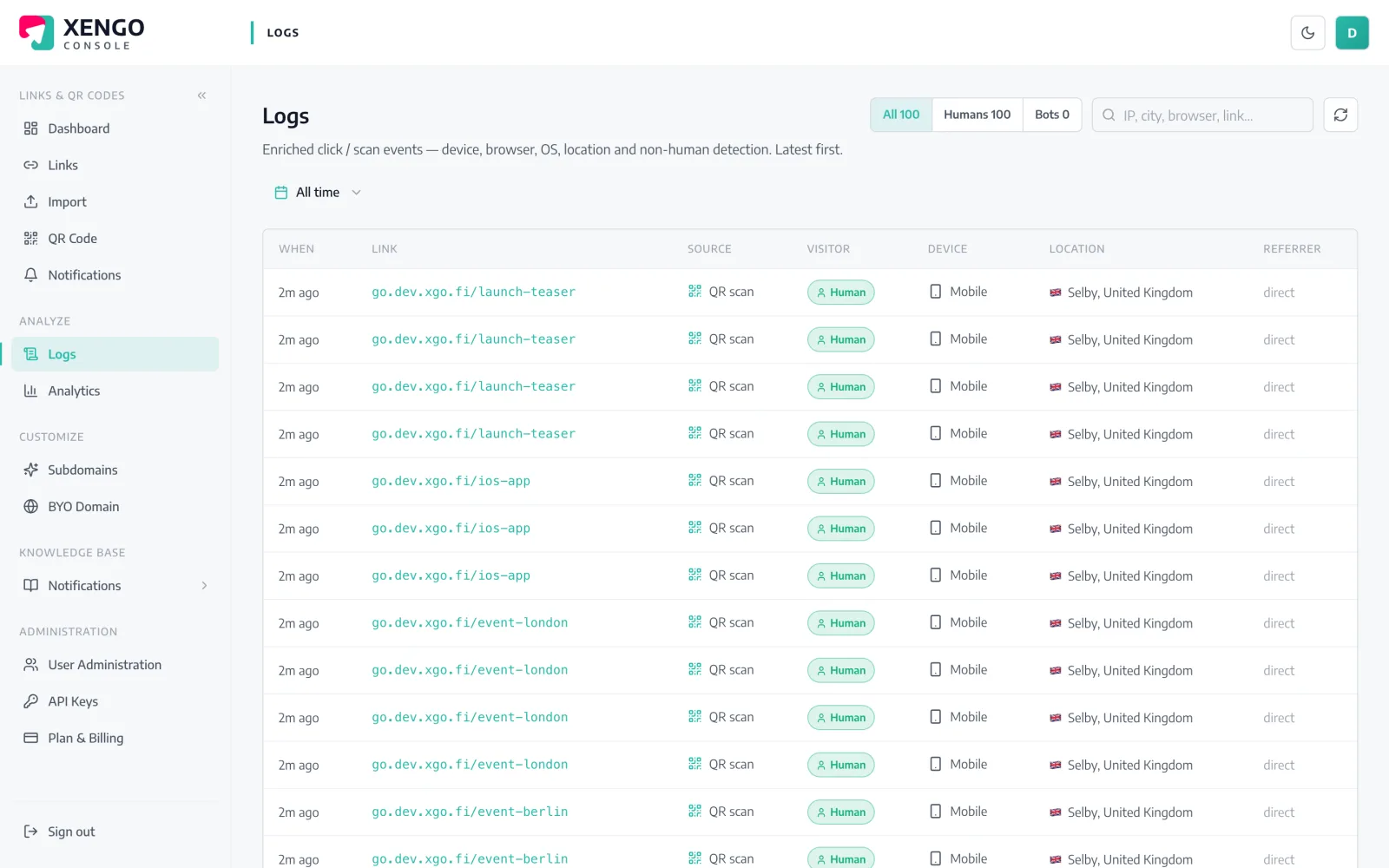
Pipedream's event inspector shows what arrived; the console's delivery log shows what we sent — every attempt with its response code. When something looks off, you diff the two instead of speculating.

  • First attempt and retries logged as separate rows
  • Response codes per attempt, not a binary sent flag
  • Stable webhook-id ties retries to one scan
The event

What Pipedream receives — the whole story, as JSON

Not a bare ping: the full scan event — code, source, destination, tags, timestamp, device — arrives at your Webhook URL within seconds of the scan.

Every delivery carries Svix-compatible signature headers (webhook-id, webhook-timestamp, webhook-signature) signed with your channel's whsec_ secret, and failures retry on a backoff ladder for up to six attempts — with every attempt visible in the console's delivery log. Verification docs →

{
  "event": "click",
  "source": "qr",
  "code": "spring-launch",
  "shortUrl": "go.yourbrand.com/spring-launch",
  "title": "Spring launch pack",
  "destination": "https://yourbrand.com/spring",
  "tags": { "campaign": "spring-24", "sku": "SB-114" },
  "createdAt": "2026-05-02T09:14:11Z",
  "ts": 1752319441000,
  "at": "2026-07-12T10:44:01+00:00",
  "ip": "203.0.113.7",
  "ua": "Mozilla/5.0 (iPhone; …)",
  "referer": null,
  "customerId": "cus_9f2k…"
}

The details that make it dependable

Parsed and ready

The event arrives as JSON with the right content type, so steps.trigger.event.body is already an object — no parsing boilerplate before the real work.

Verifiable in one step

Svix-compatible signature headers ship with every delivery; a short code step can recompute the HMAC with your whsec_ secret and reject impostors.

Seconds-fresh

The POST fires as the redirect completes. By the time a human could open the dashboard, your workflow has usually finished running.

Retry ladder included

Endpoint down or erroring? We retry at 30s, 2m, 10m, 15m and 15m — six attempts total, each one recorded in the delivery log.

Tags as data

Custom tags on the link arrive as a structured object inside the event — routing logic in your code step can branch on campaign, SKU or site without string-parsing anything.

Stacks with everything

The same scan can feed Pipedream, post to Slack and page on-call simultaneously — channels are independent listeners, not an either/or.

Frequently asked questions

Is xengo in Pipedream's app registry?

No — there's no pre-built xengo source to search for. You paste your workflow's HTTP endpoint URL into the console, and Pipedream's native HTTP / Webhook trigger ingests our POST directly. Functionally that is the instant trigger; there's just no logo in the picker.

What does the trigger event look like in my code?

The scan event is the request body: steps.trigger.event.body.code, .source ('qr' or 'click'), .shortUrl, .destination, .tags, .ts, .ua and so on. The inspector shows each delivery in full, so you can write the handler against real data rather than docs.

How do I check the request came from xengo and not a random POST?

Verify the signature. Deliveries carry webhook-id, webhook-timestamp and webhook-signature headers in the Svix scheme, signed with the whsec_ secret shown once when you create the channel — a few lines of Node or Python in your first step settles it.

Could my workflow see the same scan twice?

Rarely, yes — delivery is at-least-once. If the endpoint accepts a request but the response times out, we retry rather than drop the event. The webhook-id header is identical across retries, so idempotency is one Map lookup or one datastore check away.

Can I run separate workflows for separate QR codes?

Yes. Each Pipedream workflow has its own endpoint, so create one xengo channel per workflow and attach channels to links individually. Batch-printed asset labels can hit an inventory workflow while a launch link hits reporting — no shared code path.

More automation platforms

One platform. Everything a link should do.

Smart URLs, dynamic QR codes and a full API — branded on your own domain, safety-screened, and tracked. Build, re-point and measure it all in one place.

Start free trial
1,284 clicks
go.acme.com/spring
1 London 412
2 Manchester 168
3 Bristol 94

Smart URLs

Branded short links on a domain you control — editable, screened, and tracked.

Popular Smart URLs features

  • Your own custom domain, auto-HTTPS
  • Re-point live links without reprinting
  • Every destination safety-screened
  • Honest, bot-filtered analytics

Dynamic QR

Branded QR codes you can re-point any time — never reprint the poster again.

Popular Dynamic QR features

  • Editable destination behind every code
  • Your brand colours + logo
  • Real-time scan alerts
  • Per-code scan analytics
$ curl -X POST api.xengo.io/v1/links
{
  "domain": "go.acme.com",
  "url": "https://acme.com/…"
}
→ 201 go.acme.com/aB3xK

API

Create and manage links + QR at scale, straight from your own tools.

Popular API features

  • REST API with scoped keys
  • Bulk-create thousands of links
  • Programmatic QR generation
  • Webhooks + click / scan alerts

POST your next scan into a workflow

14-day free trial, card required, cancel anytime. Paste the endpoint, hit Send test, read the payload.