
Your Workspace already has a room for this.

When a QR code is scanned or a link is clicked, the space you picked gets a message with the whole story — the code, the destination, the time, the device. If your company runs on Google Workspace, scan alerts belong in Chat, not in another inbox or another dashboard tab.

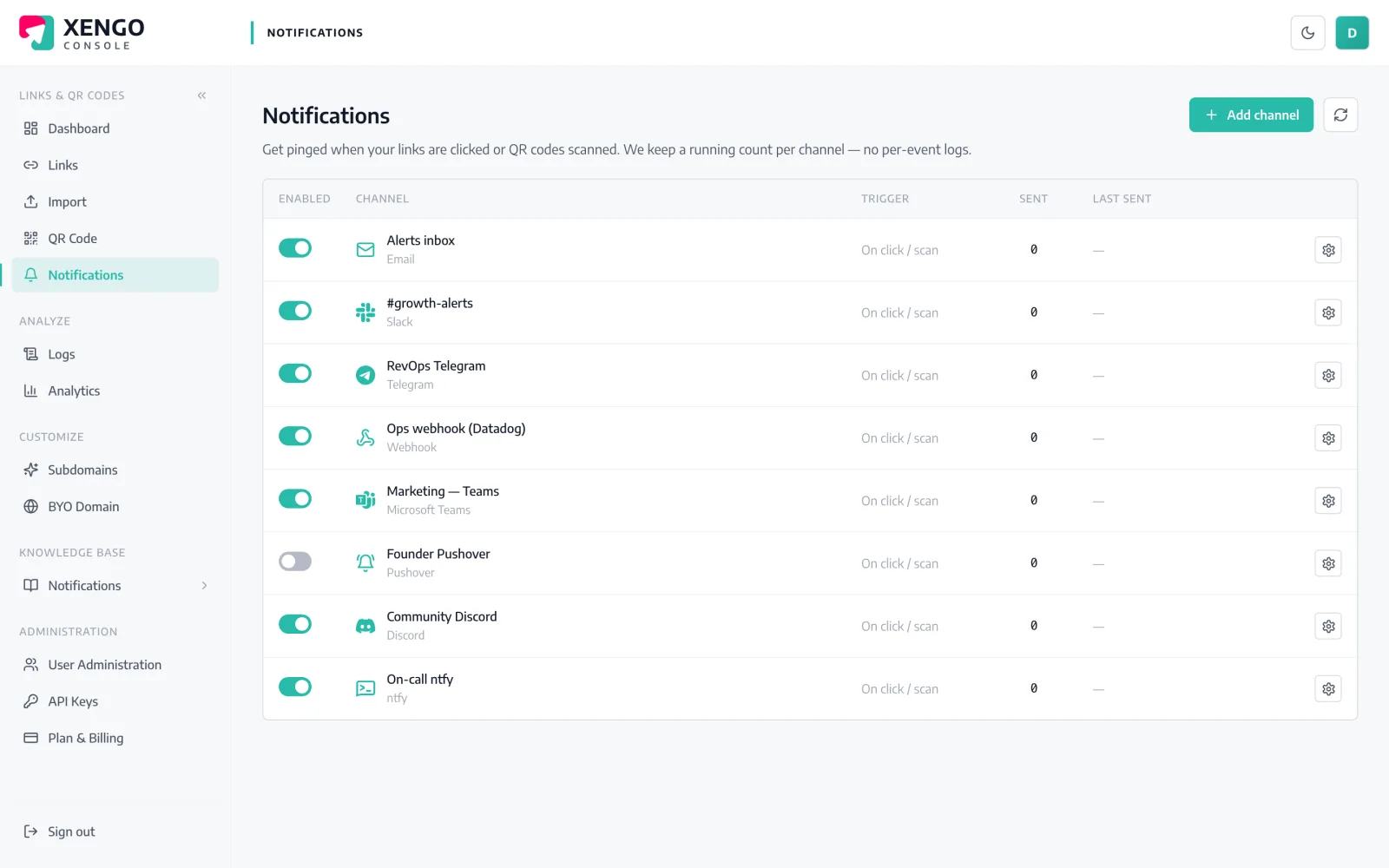
Google Chat channel set-up in the xengo console
Set up inside Chat itself

A space webhook is the whole integration.

Google Chat lets any space owner add an incoming webhook from the space's settings — no Marketplace app, no OAuth consent screen, no admin console visit. xengo just needs the URL Chat gives you.

  1. 1

    Create a webhook in the space

    In Google Chat, open the space → click the space name → Apps & integrations → Webhooks → Add webhook. Name it (say, 'xengo scans') and copy the chat.googleapis.com URL.

  2. 2

    Paste it into xengo

    Console → Notifications → Add channel → Google Chat. Drop the URL into the Webhook URL field, name the channel, save — then press Send test and see it appear in the space.

  3. 3

    Point links at spaces

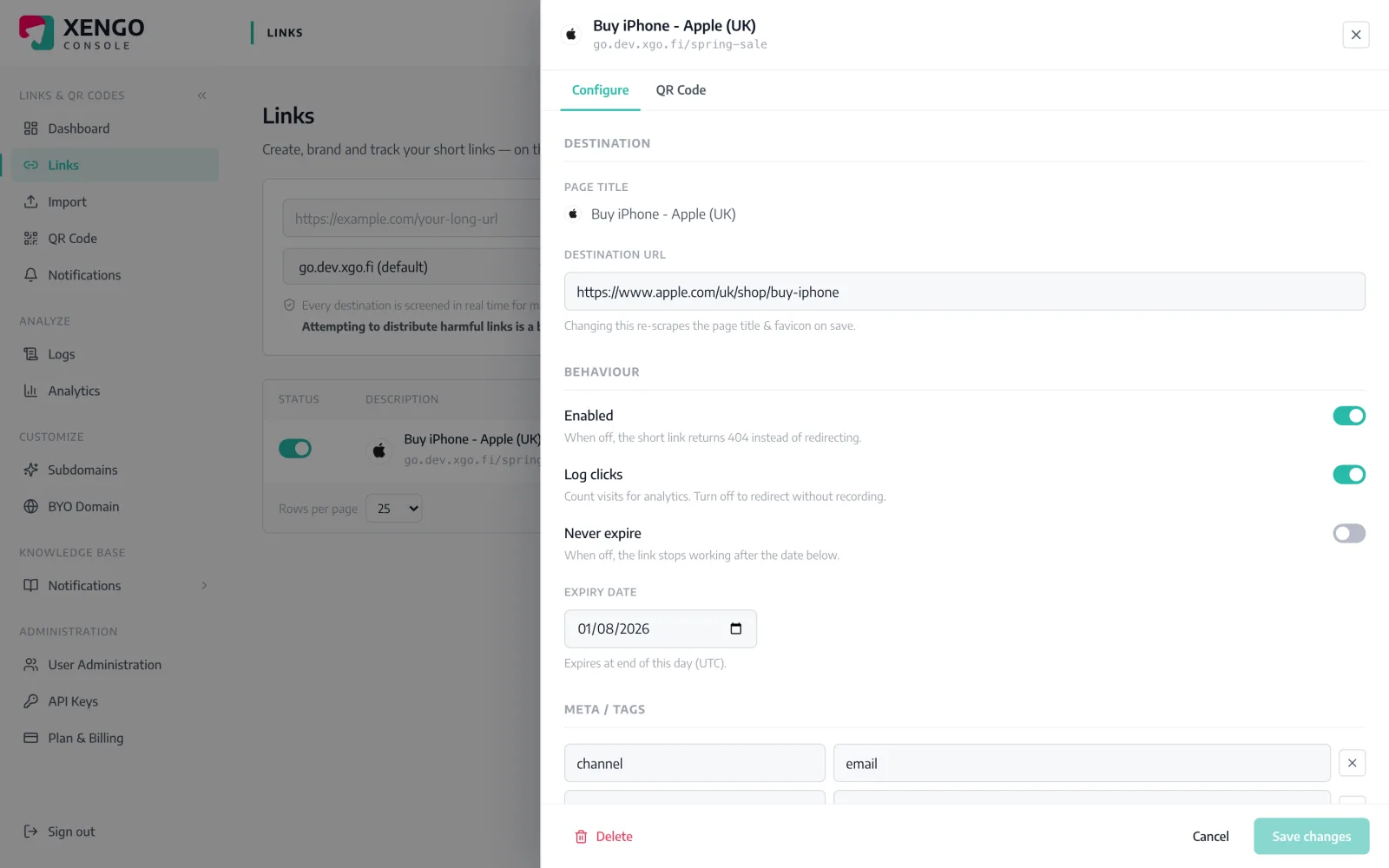
    Attach the channel to the links and QR codes that should post there — the launch campaign to #launch, the office door code to #facilities. Routing lives on the link, so each code reports only to its spaces.

Each link picks its own space

Each link picks its own space

Open any link in the console and tick the Google Chat channels that should hear about it. The next scan posts there — and nowhere it shouldn't. No global firehose unless you actually want one.

  • Per-link and per-QR routing, changeable any time
  • Mix channels — Chat for the team, a signed webhook for systems
  • Takes effect on the very next scan
The message and the numbers agree

The message and the numbers agree

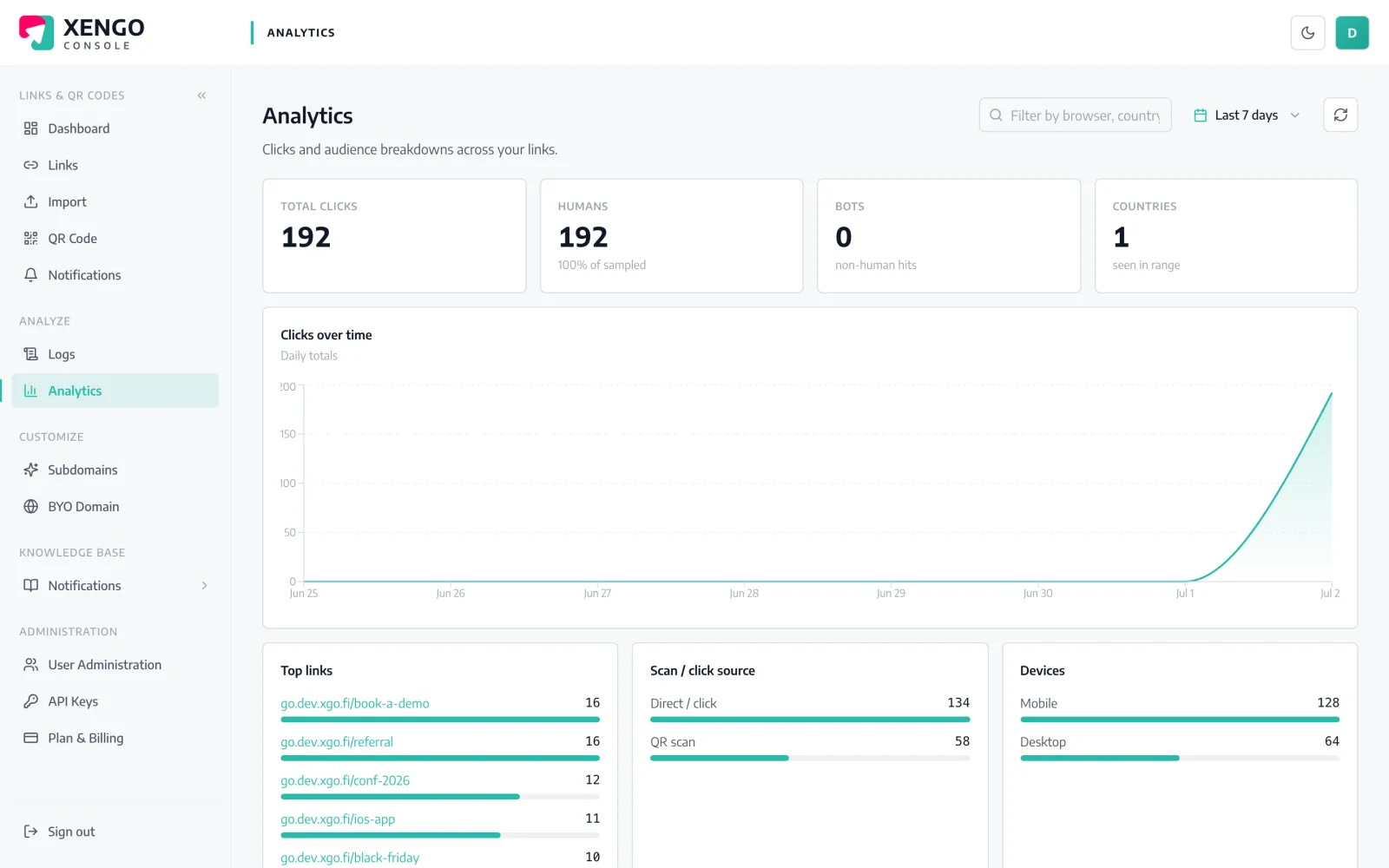
Every fact in the Chat message — source, destination, device, tags — is the same fact the analytics page records. The space gives you the moment; analytics gives you the pattern.

  • Real-time alert in Chat, aggregate view in the console
  • Same tags in both places, so campaigns reconcile
  • No sampling — every scan is an event and a row

The details that make it dependable

Scan to space in seconds

The event flows from the redirect plane to Google's webhook endpoint typically within a couple of seconds — fast enough to act on, not just file.

Context, not a bare ping

Link title, short URL, click vs scan, destination, UTC timestamp, device and your custom tags — the message stands on its own.

HTTPS required

Google Chat webhook URLs are validated as HTTPS when you save the channel, so a paste error surfaces immediately.

Six-attempt retry ladder

A failed post is retried with growing backoff — up to six attempts over roughly 43 minutes — and every attempt is visible in the delivery log.

One space per audience

Add as many Google Chat channels as you have spaces. Each keeps its own name, send count and pause switch in the console.

Chat isn't the only listener

The same scan can simultaneously fire a signed webhook, a Zap or an email — channels stack rather than compete.

Frequently asked questions

Does this need a Google Workspace account?

The webhook does — Google exposes incoming webhooks on spaces in Workspace, and space managers can add them from Apps & integrations. On the xengo side there's no Google account involved at all; we just POST to the URL you paste.

Do I have to install anything from the Google Workspace Marketplace?

No. There's no xengo app to install and no OAuth grant to approve. The integration is Chat's own incoming-webhook feature plus one pasted URL — which also means there's nothing for an admin to review or revoke beyond the webhook itself.

Can I send different campaigns to different spaces?

Yes. Create a webhook in each space, add each URL as its own xengo channel, and attach them per link or QR code. If one space should see everything, tick that channel on every link — routing always lives on the link itself.

Are Google Chat deliveries signed like xengo's webhooks?

No. The space webhook is a Google-owned URL that ignores extra headers, so signature headers would be theatre. If you need cryptographic proof of origin, add the signed generic webhook alongside the Chat channel — one scan, both deliveries.

What if Google Chat rejects or misses a message?

The attempt and its HTTP response are recorded in the delivery log, and xengo retries on a backoff ladder for up to six attempts. You can answer 'did the space get it?' from the log, not from memory.

More chat & messaging

One platform. Everything a link should do.

Smart URLs, dynamic QR codes and a full API — branded on your own domain, safety-screened, and tracked. Build, re-point and measure it all in one place.

Start free trial
1,284 clicks
go.acme.com/spring
1 London 412
2 Manchester 168
3 Bristol 94

Smart URLs

Branded short links on a domain you control — editable, screened, and tracked.

Popular Smart URLs features

  • Your own custom domain, auto-HTTPS
  • Re-point live links without reprinting
  • Every destination safety-screened
  • Honest, bot-filtered analytics

Dynamic QR

Branded QR codes you can re-point any time — never reprint the poster again.

Popular Dynamic QR features

  • Editable destination behind every code
  • Your brand colours + logo
  • Real-time scan alerts
  • Per-code scan analytics
$ curl -X POST api.xengo.io/v1/links
{
  "domain": "go.acme.com",
  "url": "https://acme.com/…"
}
→ 201 go.acme.com/aB3xK

API

Create and manage links + QR at scale, straight from your own tools.

Popular API features

  • REST API with scoped keys
  • Bulk-create thousands of links
  • Programmatic QR generation
  • Webhooks + click / scan alerts

Give scans a space of their own

14-day free trial, card required, cancel anytime. Webhook from Chat, paste into xengo, watch the test message land.