
Every scan, posted where your team already meets.

Someone scans your QR code or clicks your short link, and a message appears in the Teams channel you chose — which code, where it points, when, and from what device. No new tab to watch, no waiting for the weekly analytics round-up.

Microsoft Teams channel set-up in the xengo console
One webhook, no admin ticket

If you can add a webhook to a channel, you're done.

xengo posts to Teams through the standard incoming-webhook mechanism — no bot to register, no Graph API permissions, no app submission to your tenant catalogue. Create the webhook, paste the URL, send a test.

  1. 1

    Add an Incoming Webhook in Teams

    In Teams, open the channel that should hear about scans, then add an Incoming Webhook to it (via the channel's Connectors, or the Workflows webhook template on newer tenants). Teams hands you a webhook.office.com URL.

  2. 2

    Add the channel in xengo

    Console → Notifications → Add channel → Microsoft Teams. Paste the URL into the Incoming Webhook URL field, name the channel, save — then hit Send test and watch the message land.

  3. 3

    Decide who hears what

    Attach the Teams channel to the links and QR codes that should report there — campaign links to Marketing, warehouse labels to Operations. Routing lives on the link, so a code only posts where you've pointed it.

Teams alongside every other listener

Teams alongside every other listener

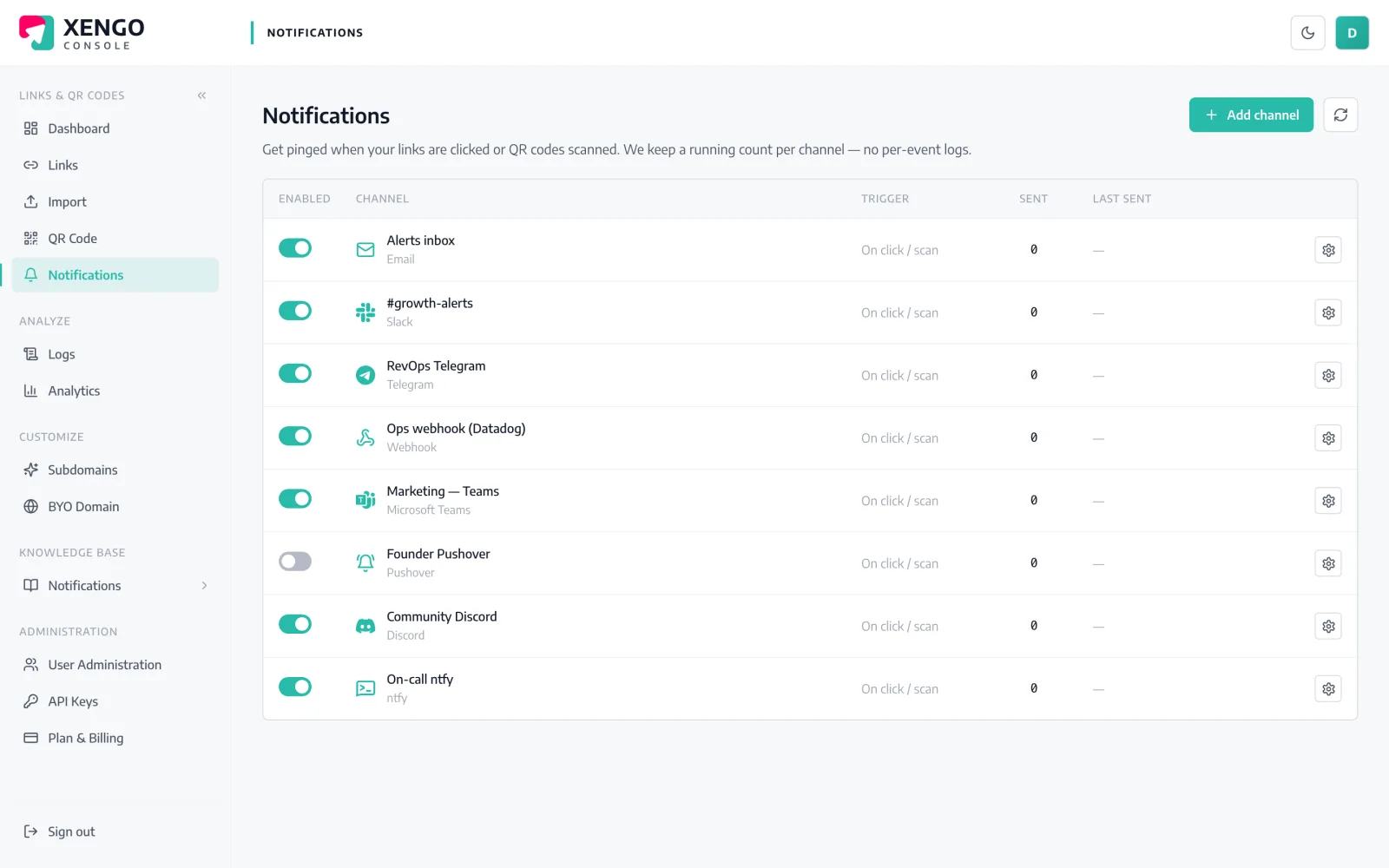
The Teams channel lives on the console's Notifications page with the other 23 channel types — named, counted, pausable. Add one per Teams channel and keep Marketing and Operations cleanly apart.

  • One xengo channel per Teams destination, each individually named
  • Send counts and last-delivery timestamps at a glance
  • Pause a channel over the holidays without deleting it
Proof of delivery, not hope of delivery

Proof of delivery, not hope of delivery

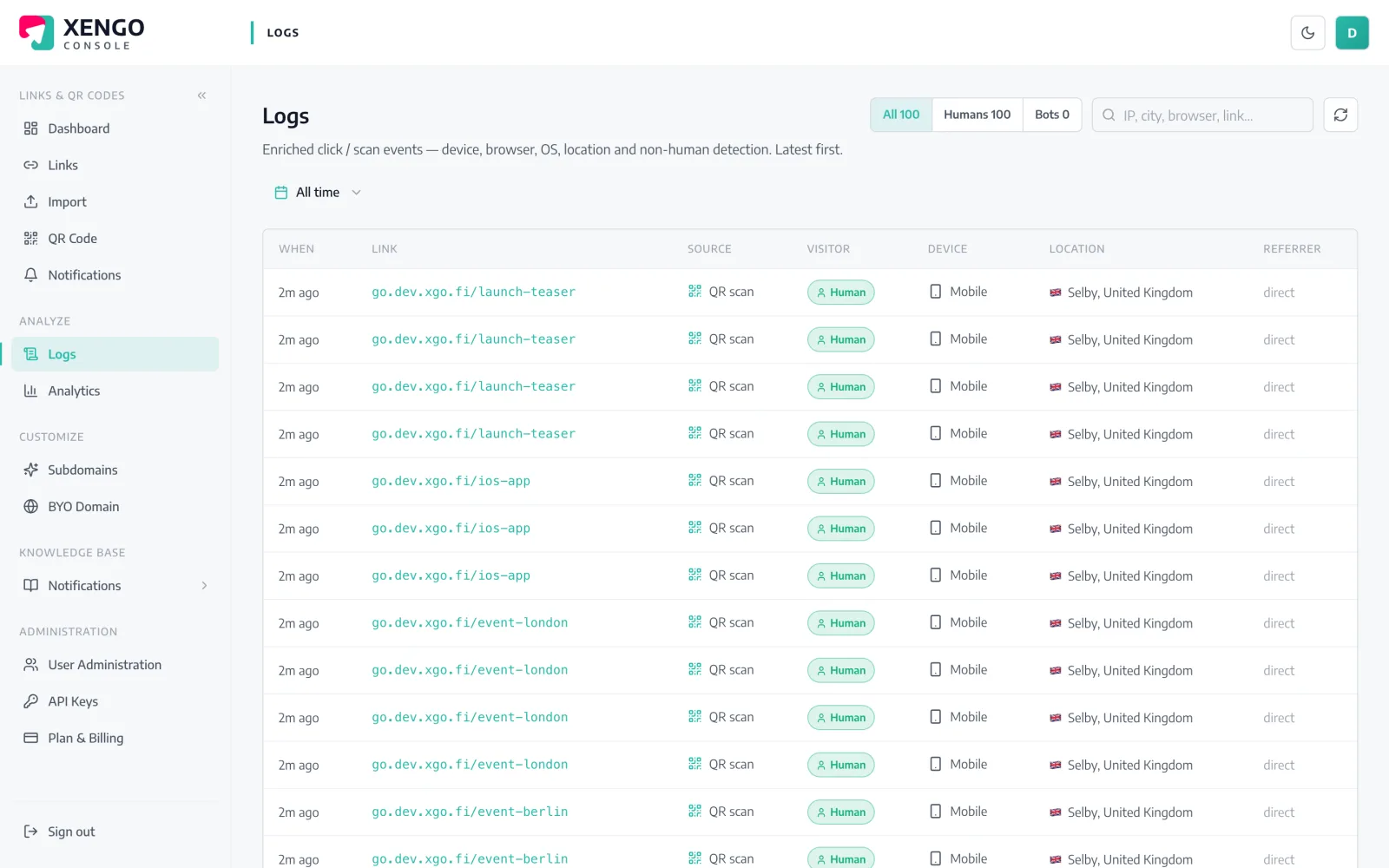
Every post to Teams is written to the delivery log with its HTTP response code and attempt number. When someone asks whether the alert fired during the outage, you look it up rather than guess.

  • Per-attempt rows, including retries, in real order
  • Response codes recorded, so failures are diagnosable
  • The same log covers every channel type you run

The details that make it dependable

Seconds after the scan

The redirect fires, the event is processed, and Teams gets the message — typically within a couple of seconds of the scan itself.

A message with its facts

Link title, short URL, click vs QR scan, destination, timestamp, device and your tags — enough context that nobody has to open the console to understand it.

HTTPS enforced

Teams webhook URLs are validated at set-up and must be HTTPS — a mistyped URL fails when you save it, not silently in production.

Retries on failure

If the post fails, xengo retries on a backoff ladder — up to six attempts spanning roughly 43 minutes — and logs every attempt.

Tags carry the context

Tag links with campaign, region or asset codes and each Teams message includes them, so a busy channel still reads unambiguously.

Stack it with the Microsoft stack

The same scan can also start a Power Automate flow with the full signed JSON event — Teams for eyes, flows for actions.

Frequently asked questions

Do I need a Teams bot or admin approval to set this up?

No bot and no app registration. xengo posts through Teams' standard incoming-webhook mechanism, so the only requirement is being able to add a webhook to the channel — depending on your tenant's policy that's something any channel member can do.

Which webhook does xengo use — Connectors or Workflows?

xengo POSTs a simple JSON text message to whatever URL you paste. Classic Connector-style webhooks accept that directly. A Workflows-created webhook works when its flow accepts a plain JSON message — some Workflows templates expect an Adaptive Card payload instead, so hit Send test after saving and you'll know in seconds whether yours does.

Can different QR codes post to different Teams channels?

Yes. Create one xengo channel per Teams destination — each with its own webhook URL — then attach them per link or QR code. If one channel should see everything, tick it on every link: routing always lives on the link, so nothing posts anywhere by accident.

Is the Teams message cryptographically signed?

No. Teams incoming webhooks are Microsoft-hosted URLs that ignore extra headers, so signing them would prove nothing and we don't pretend otherwise. If you need verifiable deliveries, run the signed generic webhook or Power Automate channel alongside — the same scan feeds both.

What happens if the webhook post fails?

The attempt is logged with its response code and retried on a backoff ladder — 30 seconds, 2 minutes, then longer gaps, up to six attempts in total. Email is the only channel xengo deliberately never retries; Teams isn't it.

More chat & messaging

One platform. Everything a link should do.

Smart URLs, dynamic QR codes and a full API — branded on your own domain, safety-screened, and tracked. Build, re-point and measure it all in one place.

Start free trial
1,284 clicks
go.acme.com/spring
1 London 412
2 Manchester 168
3 Bristol 94

Smart URLs

Branded short links on a domain you control — editable, screened, and tracked.

Popular Smart URLs features

  • Your own custom domain, auto-HTTPS
  • Re-point live links without reprinting
  • Every destination safety-screened
  • Honest, bot-filtered analytics

Dynamic QR

Branded QR codes you can re-point any time — never reprint the poster again.

Popular Dynamic QR features

  • Editable destination behind every code
  • Your brand colours + logo
  • Real-time scan alerts
  • Per-code scan analytics
$ curl -X POST api.xengo.io/v1/links
{
  "domain": "go.acme.com",
  "url": "https://acme.com/…"
}
→ 201 go.acme.com/aB3xK

API

Create and manage links + QR at scale, straight from your own tools.

Popular API features

  • REST API with scoped keys
  • Bulk-create thousands of links
  • Programmatic QR generation
  • Webhooks + click / scan alerts

Put the next scan in front of your team

14-day free trial, card required, cancel anytime. One webhook URL between you and the first message.