
Your codes are out in the world. Your phone should know.

Founders, market traders, field crews — people whose office is a phone. Point a Telegram bot at xengo and every QR scan and link click becomes a message in your chat, seconds after it happens: which code, where it points, when, on what device. Standing at the stall, you'll know your poster worked before the customer reaches you.

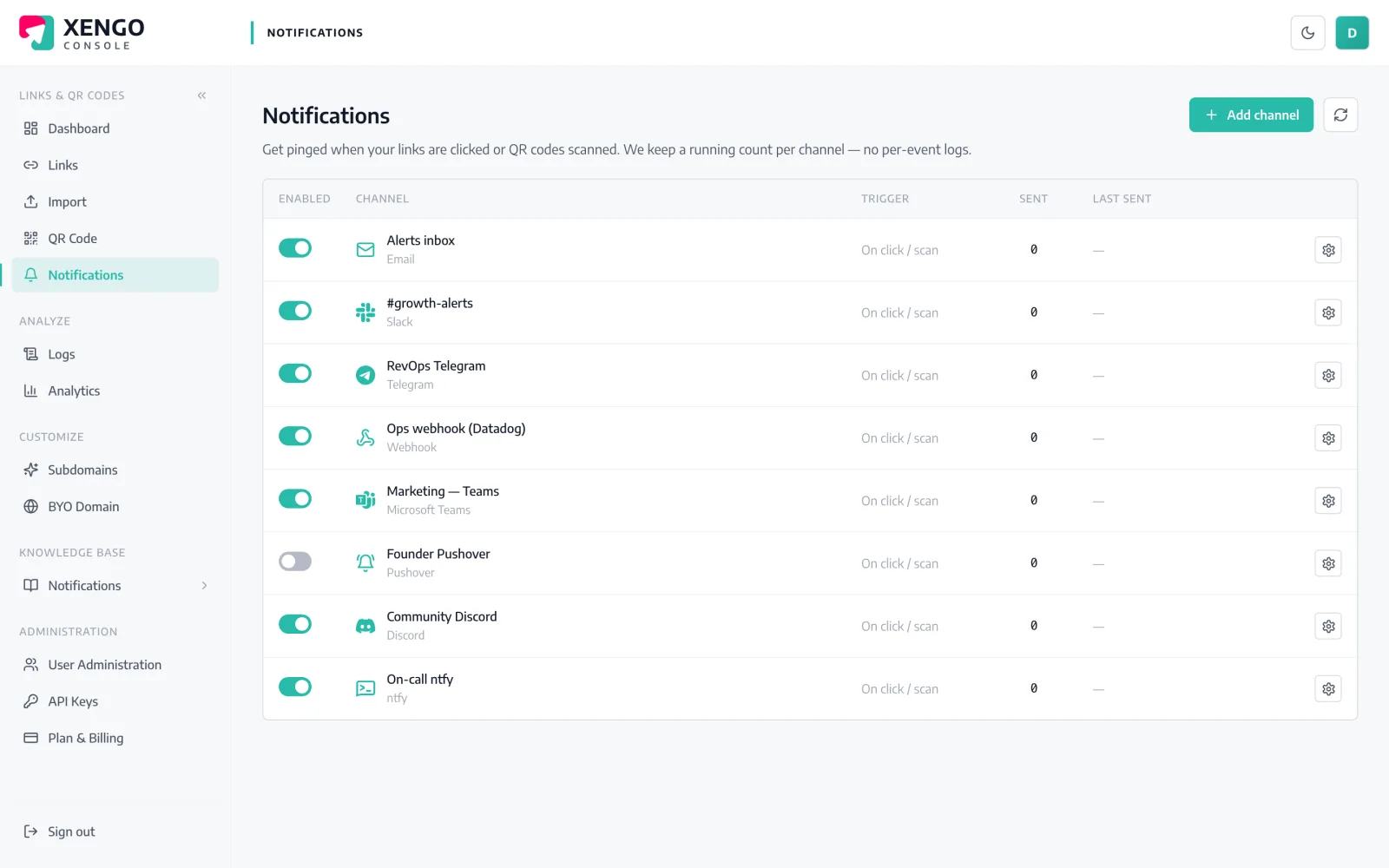
Telegram channel set-up in the xengo console
One bot, two fields

BotFather gives you a token. That's the hard part.

No webhooks, no server, no Telegram API knowledge. Create a bot with @BotFather — it takes under a minute — and give xengo the token and the chat ID to message. xengo calls Telegram's Bot API directly.

  1. 1

    Create a bot in Telegram

    Message @BotFather → /newbot → pick a name and username. BotFather replies with the bot token. Then open a chat with your bot (or add it to a group) so it's allowed to message you, and note the chat ID.

  2. 2

    Add it in the xengo console

    Console → Notifications → Add channel → Telegram. Fill in the Bot token and Chat ID fields, name the channel, save — then hit Send test and feel your phone buzz.

  3. 3

    Choose what wakes it

    Attach the bot to the links and QR codes that should buzz you — your personal chat for the flagship code, the team group for the rest. Routing is per link, so the phone only buzzes for the codes you picked.

Codes built for the physical world

Codes built for the physical world

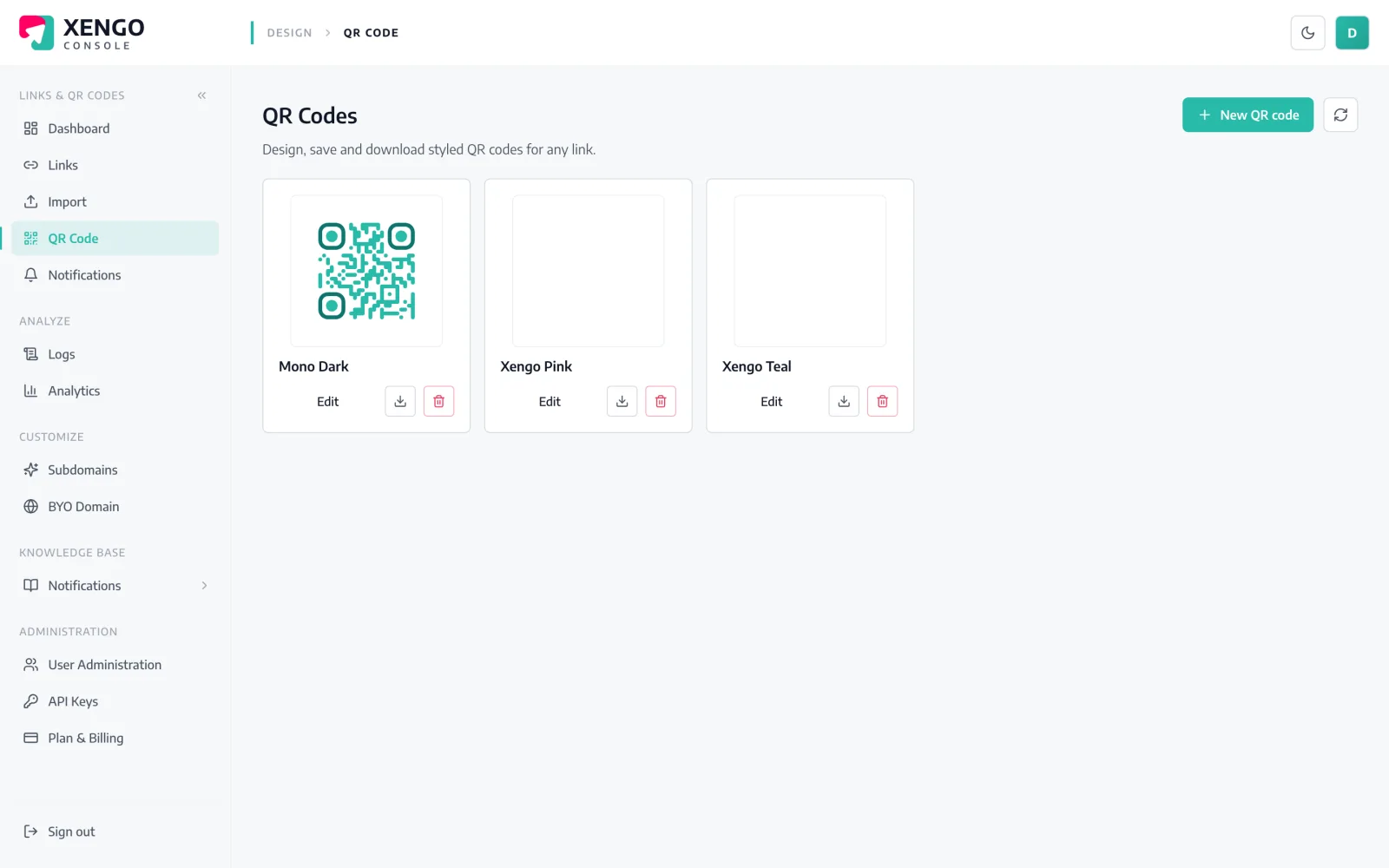
Design the QR code in the same console that alerts you when it's scanned — colours, logo, error correction — then print it once. The destination stays editable forever; the Telegram ping proves it's earning its wall space.

  • Styled, print-ready QR codes with your branding
  • Change the destination later without reprinting
  • Each scan of the printed code becomes a message
The bot is just another channel

The bot is just another channel

Your Telegram bot sits on the console's Notifications page next to everything else — named, counted, testable, pausable. Add a second bot for the team group without disturbing the first.

  • Multiple Telegram channels — personal chat and team group apart
  • Send test to check the wiring before market day
  • Pause the channel on holiday; resume without reconfiguring

The details that make it dependable

Buzz within seconds

The scan is processed and the Bot API called immediately — the message usually reaches your phone within a couple of seconds of the scan.

Groups or one-to-one

The chat ID can be your own chat with the bot or a group you've added it to — one code can brief the whole crew at once.

No webhook, no server

xengo calls Telegram's Bot API (sendMessage) directly with your token and chat ID — nothing for you to host, expose or keep alive.

A message you can act on

Code title, short URL, click vs QR scan, destination, timestamp, device and your tags — the full picture in one bubble.

Retries if Telegram hiccups

Failed sends retry on a backoff ladder — up to six attempts over roughly 43 minutes — with every attempt in the delivery log.

Phone now, records forever

The ping is instant; the same event also lands in analytics and the delivery log, so month-end numbers match what your phone saw.

Frequently asked questions

Do I need my own Telegram bot?

Yes — and it takes about a minute. Message @BotFather, run /newbot, and you have a token. Using your own bot means the alerts come from an identity you control and can rename, re-icon or revoke at any time.

How do I find my chat ID?

For a direct chat, message your bot first, then use any chat-ID helper bot (or the Bot API's getUpdates) to read the numeric ID. For groups, add your bot to the group and grab the group's ID the same way — group IDs are negative numbers, which the console accepts as-is.

Can scan alerts go to a group chat the whole team sees?

Yes. Add the bot to the group, use the group's chat ID, and every scan posts where the whole crew reads it. You can run a second channel with your personal chat ID alongside for the codes only you care about.

Is the Telegram message signed or encrypted by xengo?

It's sent over HTTPS to Telegram's Bot API, but it isn't a signed delivery — it's a readable text message, not the cryptographically verifiable JSON event. If you need signed, structured events, use the generic webhook channel alongside; the same scan feeds both.

What happens if the send to Telegram fails?

The attempt is recorded in the delivery log with its response, then retried on a backoff ladder — up to six attempts spanning roughly 43 minutes. Email is the only channel xengo never retries; Telegram gets the full ladder.

More chat & messaging

One platform. Everything a link should do.

Smart URLs, dynamic QR codes and a full API — branded on your own domain, safety-screened, and tracked. Build, re-point and measure it all in one place.

Start free trial
1,284 clicks
go.acme.com/spring
1 London 412
2 Manchester 168
3 Bristol 94

Smart URLs

Branded short links on a domain you control — editable, screened, and tracked.

Popular Smart URLs features

  • Your own custom domain, auto-HTTPS
  • Re-point live links without reprinting
  • Every destination safety-screened
  • Honest, bot-filtered analytics

Dynamic QR

Branded QR codes you can re-point any time — never reprint the poster again.

Popular Dynamic QR features

  • Editable destination behind every code
  • Your brand colours + logo
  • Real-time scan alerts
  • Per-code scan analytics
$ curl -X POST api.xengo.io/v1/links
{
  "domain": "go.acme.com",
  "url": "https://acme.com/…"
}
→ 201 go.acme.com/aB3xK

API

Create and manage links + QR at scale, straight from your own tools.

Popular API features

  • REST API with scoped keys
  • Bulk-create thousands of links
  • Programmatic QR generation
  • Webhooks + click / scan alerts

Feel the next scan in your pocket

14-day free trial, card required, cancel anytime. A bot token, a chat ID, and the test message buzzes your phone.