
From printed code to Webex space in seconds.

Badge a meeting room, tag a piece of equipment, put a QR code on the event stand — and the instant anyone scans it, the Webex space you chose gets the message: which code, where it points, when, from what device. Teams that run on Webex shouldn't have to check a separate dashboard to know their codes are working.

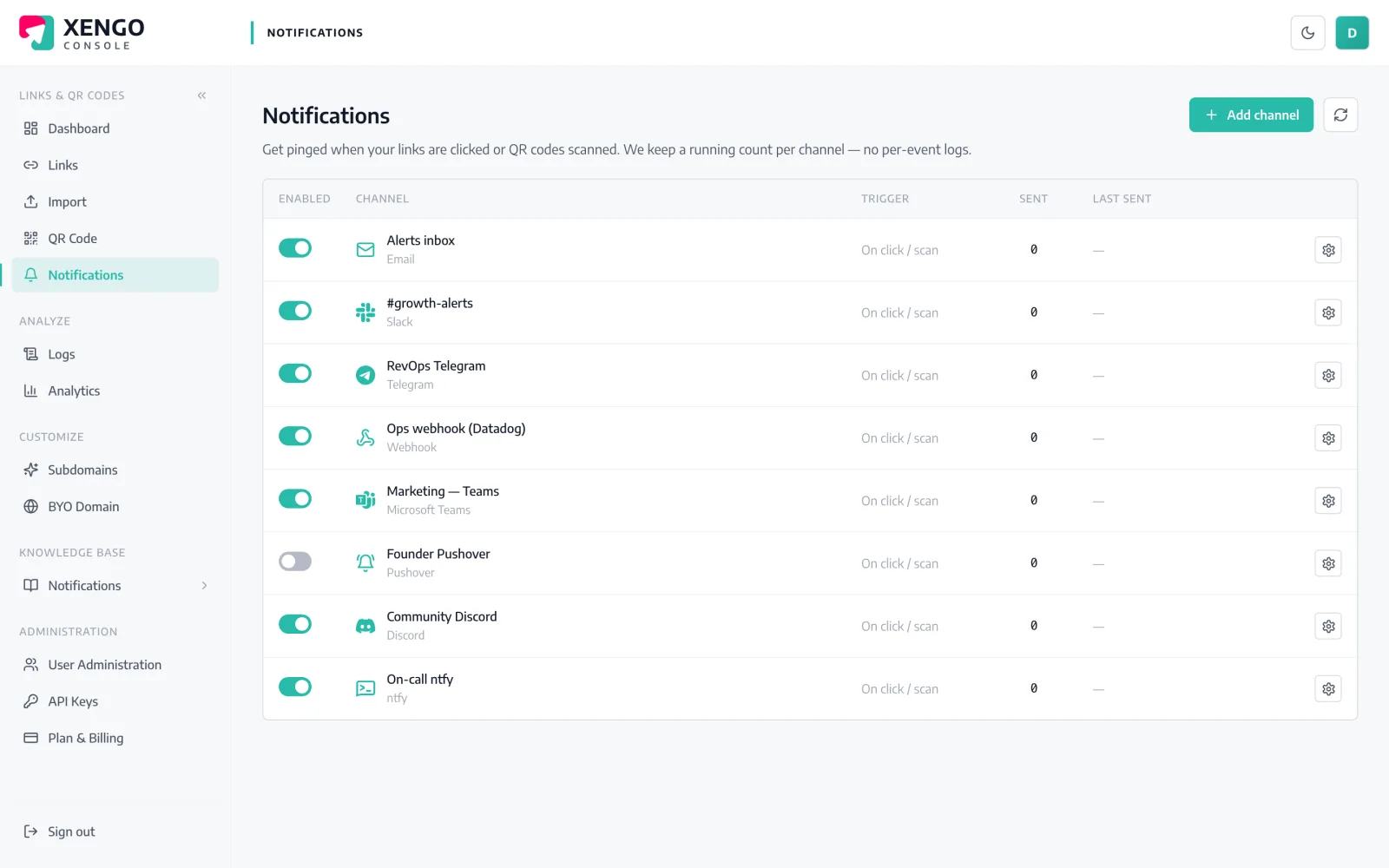
Webex channel set-up in the xengo console
No bot framework required

An incoming webhook into a space. Done.

Webex's Incoming Webhooks integration turns any space into an endpoint — no bot to build, no Webex developer account, no admin change request. Connect it to a space, and xengo posts straight in.

  1. 1

    Set up Incoming Webhooks in Webex

    Open the Incoming Webhooks integration on Webex App Hub, sign in, name the webhook and choose the space that should receive scan alerts. Webex gives you a webexapis.com URL.

  2. 2

    Add the channel in xengo

    Console → Notifications → Add channel → Webex. Paste the URL into the Incoming Webhook URL field, name the channel, save — then press Send test and see it arrive in the space.

  3. 3

    Route by audience

    Attach the channel to the links and QR codes that should report to that space — facilities codes to the estates space, campaign links to marketing. Routing is set per link, so each code posts only where it belongs.

Managed like the rest of your channels

Managed like the rest of your channels

Each Webex space is its own named channel on the console's Notifications page, next to whatever else you run — with send counts, last-delivery timestamps and a pause switch that keeps the configuration intact.

  • One xengo channel per Webex space, individually named
  • Send test before you rely on it in front of anyone
  • Pause and resume without re-pasting the webhook
The alert now, the trend later

The alert now, the trend later

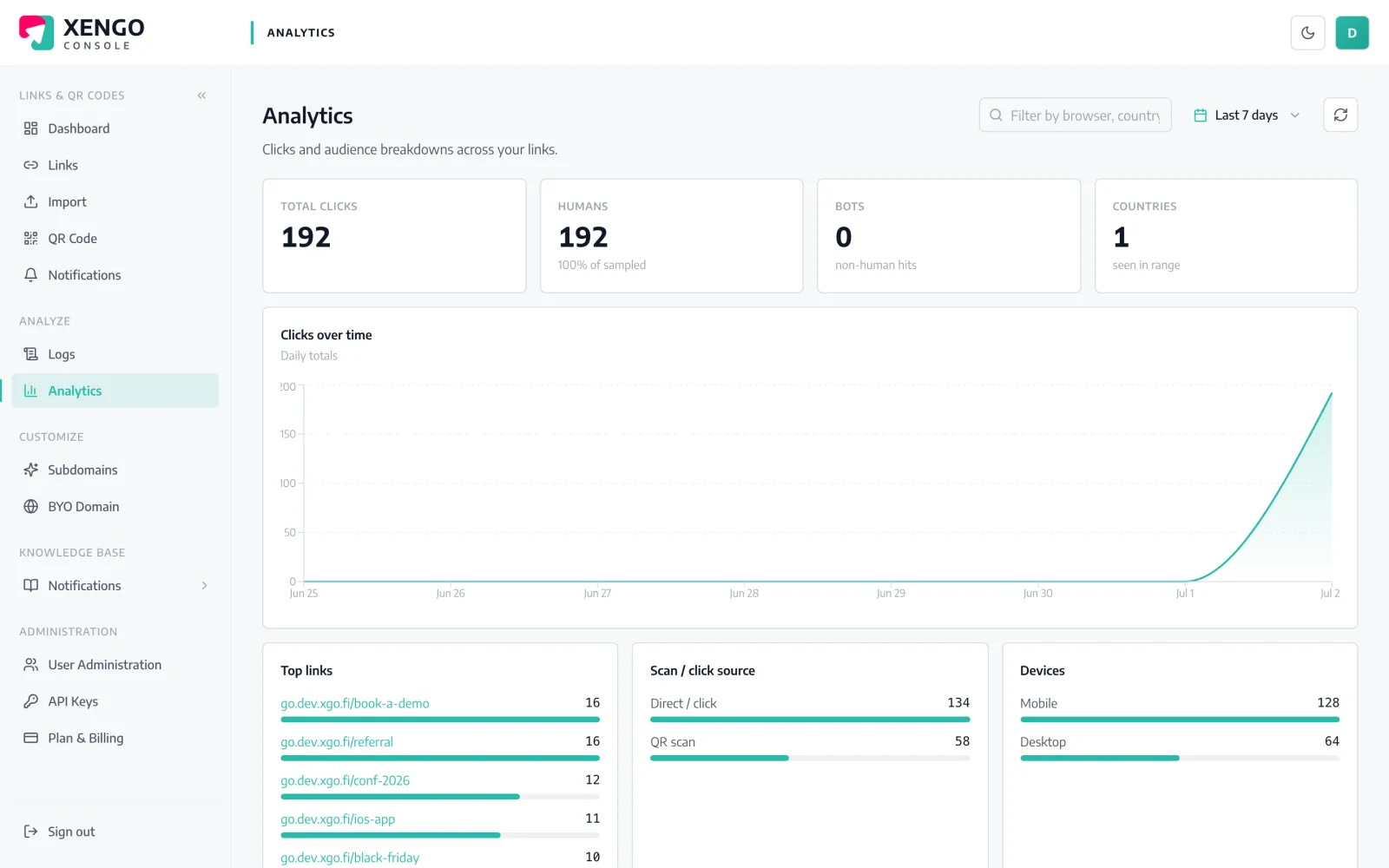
The message in the space and the analytics page describe the same event with the same facts — source, destination, device, tags. Webex tells you it happened; analytics tells you how often and from where.

  • Real-time message and historical record from one scan
  • Tags reconcile campaigns across both views
  • Every scan recorded — no sampling, no gaps

The details that make it dependable

A couple of seconds, end to end

The scan hits the redirect plane, the event is processed, and the Webex space gets its message — typically inside two seconds.

The whole story per message

Link title, short URL, click vs QR scan, destination, UTC timestamp, device and your custom tags — no console visit needed to understand it.

HTTPS enforced

Webex webhook URLs are validated as HTTPS when you save the channel, so a bad paste fails at setup rather than silently later.

Backoff retries, logged

A failed post retries up to six times on a widening ladder — roughly 43 minutes of coverage — with every attempt in the delivery log.

Spaces stay separate

Add as many Webex channels as you have spaces; each keeps its own name, counters and routing, so estates never drowns out marketing.

One scan, many listeners

The same event can also raise a PagerDuty incident or hit a signed webhook — Webex is for the humans, the rest is for the systems.

Frequently asked questions

Do I need to build a Webex bot for this?

No. xengo posts through Webex's Incoming Webhooks integration from App Hub — no bot creation, no developer-portal tokens, no code. You connect the integration to a space and paste the URL it gives you.

Can different QR codes report to different spaces?

Yes. Set up the Incoming Webhooks integration once per space, add each URL as its own xengo channel, then attach channels per link or QR code. If one space should see everything, tick that channel on each link — routing always lives on the link.

What appears in the space when a code is scanned?

A plain, readable message: the code's title, the short URL, whether it was a direct click or a QR scan, the destination, the time and — where available — the device and your custom tags. Identical facts to what the console's analytics record.

Is the Webex delivery cryptographically signed?

No — the incoming webhook is a Cisco-hosted URL that ignores extra headers, so signature headers would prove nothing and we don't add decorative ones. For verifiable deliveries, run the signed generic webhook alongside; one scan feeds both.

What happens if the post to Webex fails?

The attempt is recorded in the delivery log with its HTTP response, then retried on a backoff ladder — up to six attempts in total. Email is the only channel xengo never retries; Webex gets the full ladder.

More chat & messaging

One platform. Everything a link should do.

Smart URLs, dynamic QR codes and a full API — branded on your own domain, safety-screened, and tracked. Build, re-point and measure it all in one place.

Start free trial
1,284 clicks
go.acme.com/spring
1 London 412
2 Manchester 168
3 Bristol 94

Smart URLs

Branded short links on a domain you control — editable, screened, and tracked.

Popular Smart URLs features

  • Your own custom domain, auto-HTTPS
  • Re-point live links without reprinting
  • Every destination safety-screened
  • Honest, bot-filtered analytics

Dynamic QR

Branded QR codes you can re-point any time — never reprint the poster again.

Popular Dynamic QR features

  • Editable destination behind every code
  • Your brand colours + logo
  • Real-time scan alerts
  • Per-code scan analytics
$ curl -X POST api.xengo.io/v1/links
{
  "domain": "go.acme.com",
  "url": "https://acme.com/…"
}
→ 201 go.acme.com/aB3xK

API

Create and manage links + QR at scale, straight from your own tools.

Popular API features

  • REST API with scoped keys
  • Bulk-create thousands of links
  • Programmatic QR generation
  • Webhooks + click / scan alerts

Put the next scan in your space

14-day free trial, card required, cancel anytime. One webhook URL from App Hub and the test message is in Webex.