
A scan happens. Slack knows before anyone asks.

The moment someone clicks your link or scans your QR code, a readable message lands in the Slack channel you chose — what was scanned, where it points, when, and from what device. No polling, no digest emails, no dashboard vigil.

Slack channel set-up in the xengo console
Two minutes, honestly

Paste one URL. That's the integration.

Slack's Incoming Webhooks are the simplest thing the platform does, and we lean on that: no OAuth dance, no app to install, no scopes to review. If you can paste a URL, you're done.

  1. 1

    Create an Incoming Webhook in Slack

    In Slack: Apps → Incoming Webhooks → pick the channel that should hear about scans (#marketing, #sales-alerts, #ops — your call). Slack gives you a hooks.slack.com URL.

  2. 2

    Add the channel in xengo

    Console → Notifications → Add channel → Slack. Paste the webhook URL, name it, save — then hit Send test and watch it land in the channel.

  3. 3

    Choose what it hears

    Attach the channel to the links and QR codes it should hear about — proposals to the sales channel, event signage to the events channel. Each code carries its own channel list.

One page runs all your channels

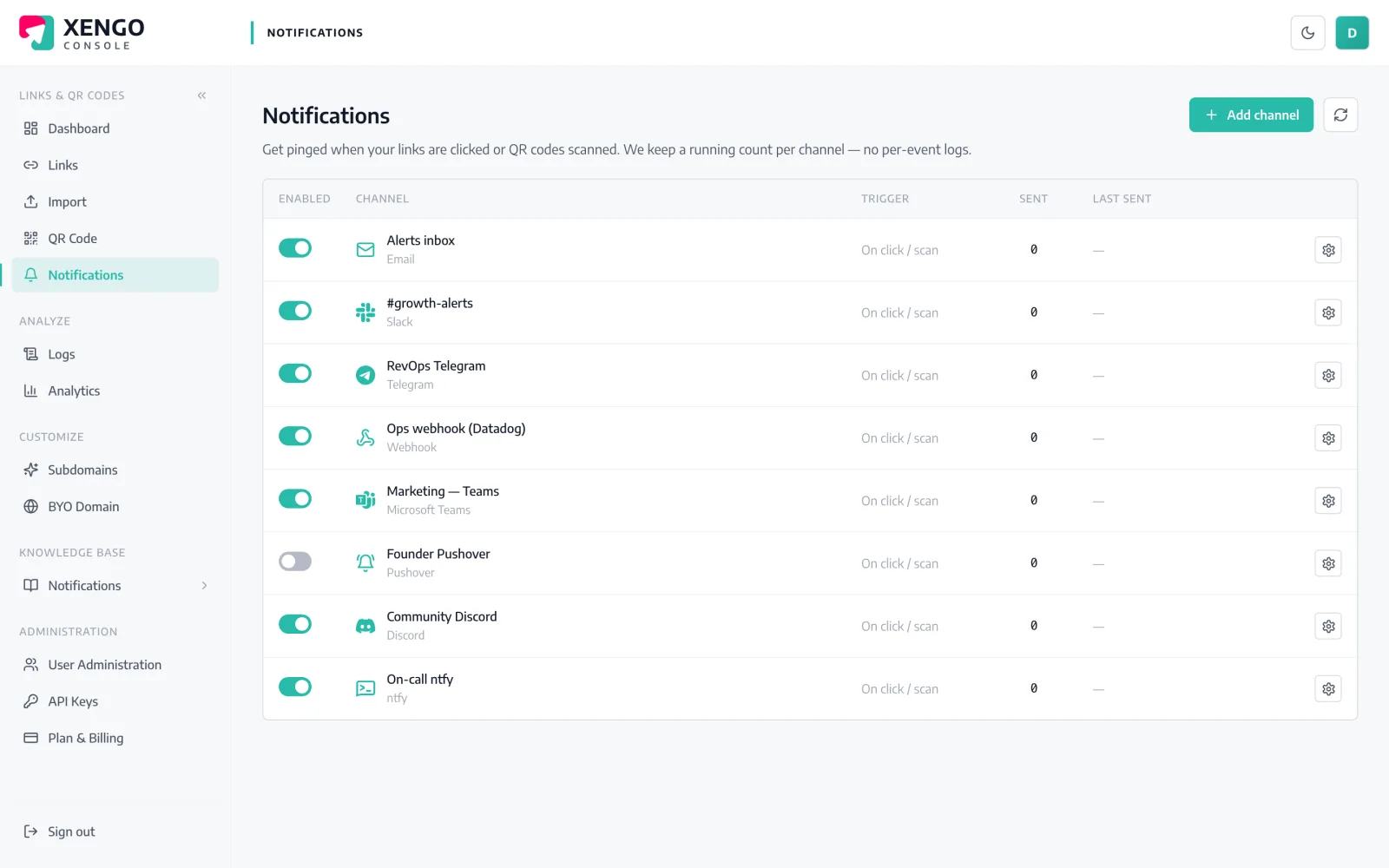
One page runs all your channels

Slack sits alongside 23 other channels in the console's Notifications page — add it once, see its send count, last delivery and status at a glance, and pause it without deleting anything.

  • Named channels, so #sales-alerts and #ops stay distinct
  • Send counts and last-sent timestamps per channel
  • Pause and resume without losing configuration
Route each link to the right room

Route each link to the right room

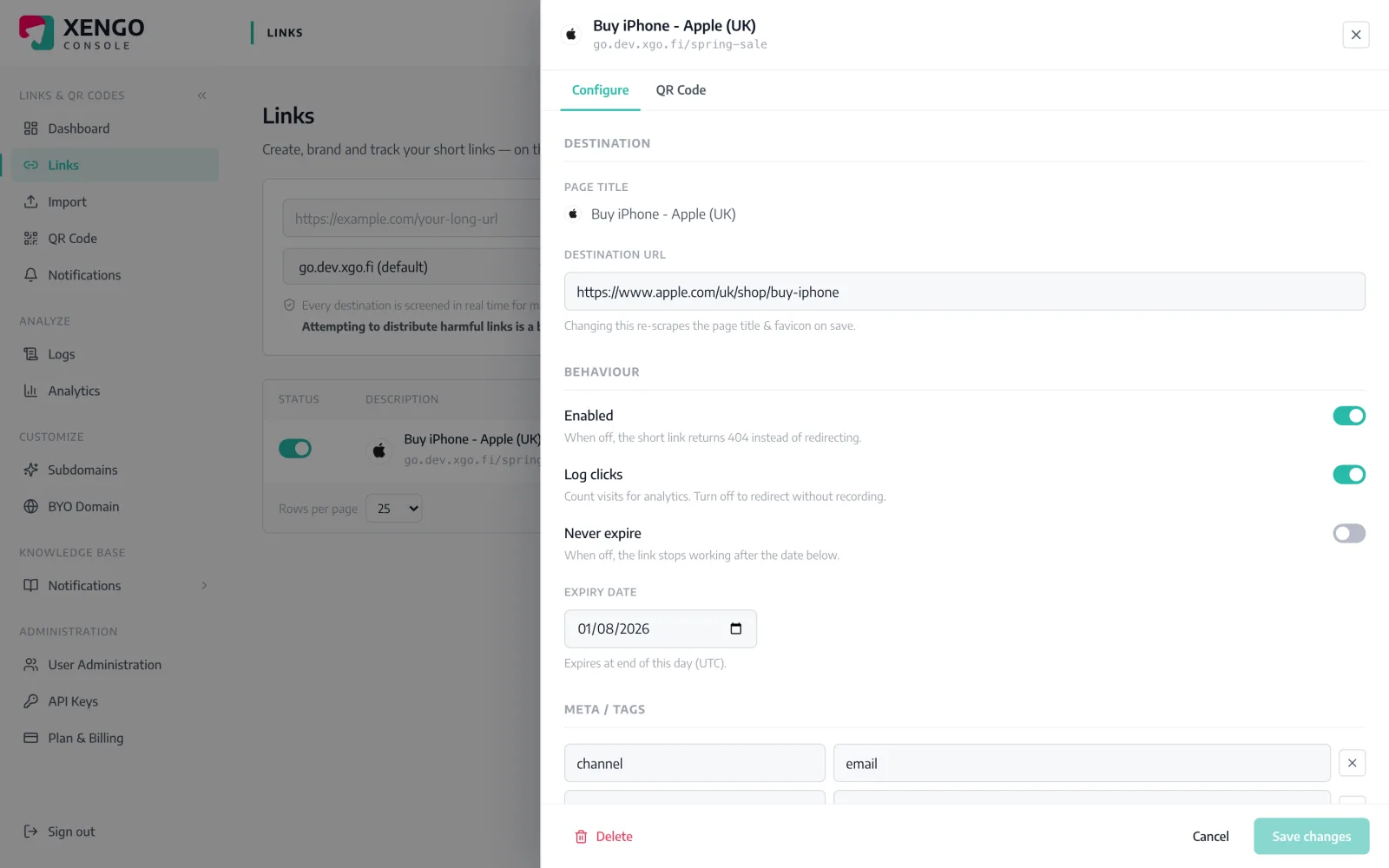
Notifications attach per link. Open any link, tick the Slack channels that should hear about it, and the next scan posts there — and only there.

  • Per-link and per-QR routing, not one global firehose
  • Mix channels freely — Slack for marketing, PagerDuty for ops
  • Change routing any time; takes effect on the next scan

The details that make it dependable

Seconds, not minutes

The scan hits our redirect plane, the event is processed, and Slack receives the message — typically inside a couple of seconds.

A message worth reading

Link title, short URL, source (click vs QR scan), destination, timestamp, device and your own tags — context, not just a ping.

Your tags travel with it

Tag a link with campaign, SKU or site codes and every Slack message carries them — readable routing context for free.

HTTPS only

Slack webhook URLs are validated and must be HTTPS — a misconfigured channel fails loudly at set-up, not silently at 2am.

Delivery you can audit

Every attempt is recorded in the delivery log with its response code, so 'did Slack get it?' has a factual answer.

Not the only listener

The same scan can also fire a signed webhook, page on-call or start a Zap — channels stack, they don't compete.

Frequently asked questions

Do I need to install a Slack app?

No. xengo posts through Slack's standard Incoming Webhooks, so there's no app installation, no OAuth grant and no admin approval beyond creating the webhook itself. If your workspace allows Incoming Webhooks, you're two minutes away.

Can different links post to different Slack channels?

Yes. Create one xengo channel per Slack destination (each with its own webhook URL), then attach them per link or QR code — each code carries its own channel list, so nothing posts anywhere you didn't choose.

What exactly appears in the message?

The link's title, the short URL, the source (direct click or QR scan), the destination, the time (UTC), and — where available — the device, referrer, IP and your custom tags. It's the same context the analytics page records.

Is the Slack delivery signed like the webhooks?

No — Slack's Incoming Webhooks are Slack-owned URLs that ignore extra headers, so signing would be theatre and we don't pretend otherwise. If you need cryptographic verification, use the signed generic webhook alongside Slack; the same scan can feed both.

What happens if Slack is down?

The attempt and its response are recorded in the delivery log. Email is the only channel we deliberately never retry; webhook-style channels — Slack included — get retried on a backoff ladder for up to six attempts.

More chat & messaging

One platform. Everything a link should do.

Smart URLs, dynamic QR codes and a full API — branded on your own domain, safety-screened, and tracked. Build, re-point and measure it all in one place.

Start free trial
1,284 clicks
go.acme.com/spring
1 London 412
2 Manchester 168
3 Bristol 94

Smart URLs

Branded short links on a domain you control — editable, screened, and tracked.

Popular Smart URLs features

  • Your own custom domain, auto-HTTPS
  • Re-point live links without reprinting
  • Every destination safety-screened
  • Honest, bot-filtered analytics

Dynamic QR

Branded QR codes you can re-point any time — never reprint the poster again.

Popular Dynamic QR features

  • Editable destination behind every code
  • Your brand colours + logo
  • Real-time scan alerts
  • Per-code scan analytics
$ curl -X POST api.xengo.io/v1/links
{
  "domain": "go.acme.com",
  "url": "https://acme.com/…"
}
→ 201 go.acme.com/aB3xK

API

Create and manage links + QR at scale, straight from your own tools.

Popular API features

  • REST API with scoped keys
  • Bulk-create thousands of links
  • Programmatic QR generation
  • Webhooks + click / scan alerts

Put your next scan in Slack

14-day free trial, card required, cancel anytime. Paste one webhook URL and watch the first message arrive.